Sign up & pay
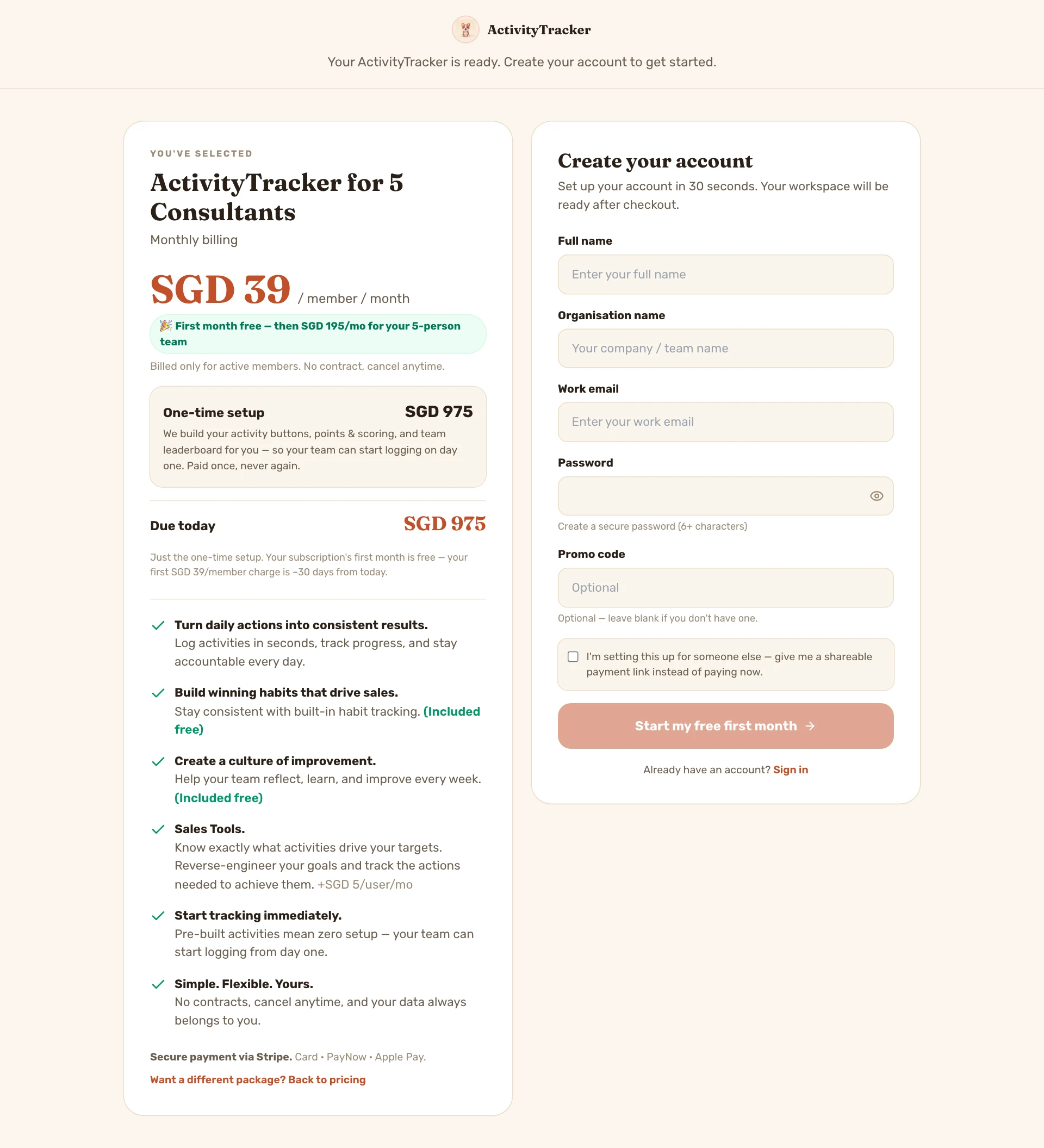
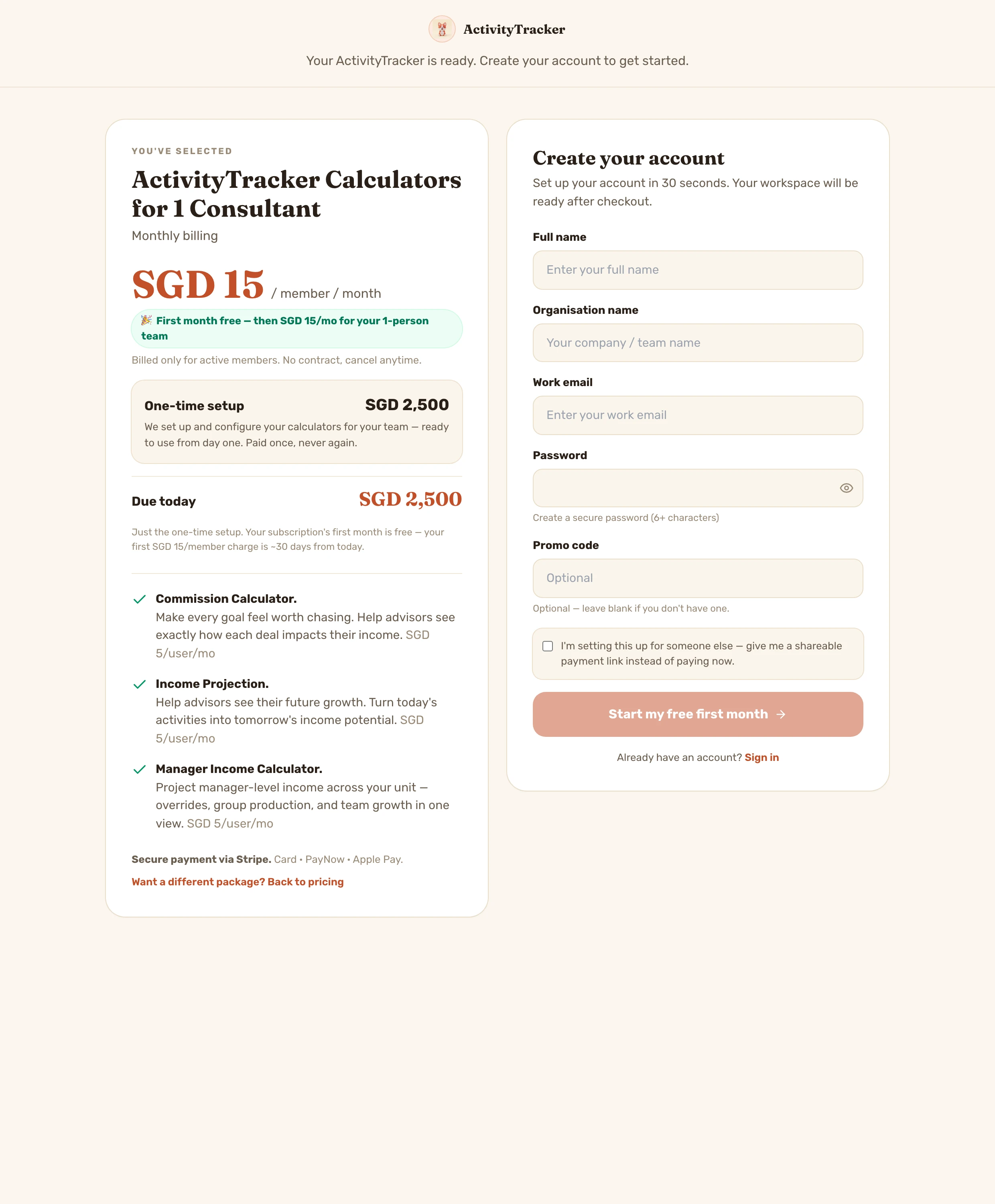
Pick your modules, then choose who funds seats — you pay for the whole team, or each consultant pays their own. The one-time setup is explained with a clear 'Due today', and your subscription's first month is free. Self-buyers go straight to Stripe; a toggle hands salespeople a shareable payment link instead.
Onboarding
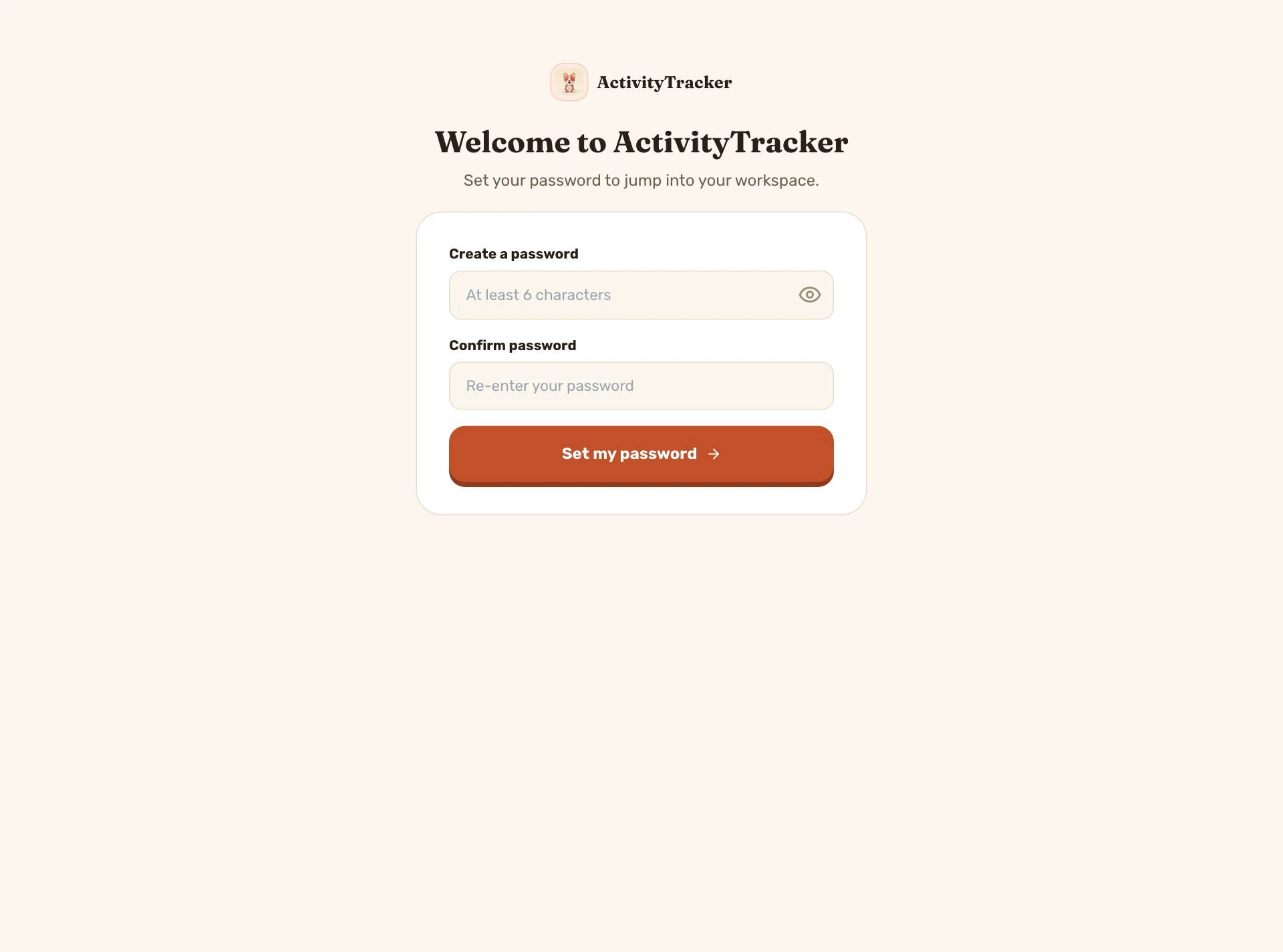
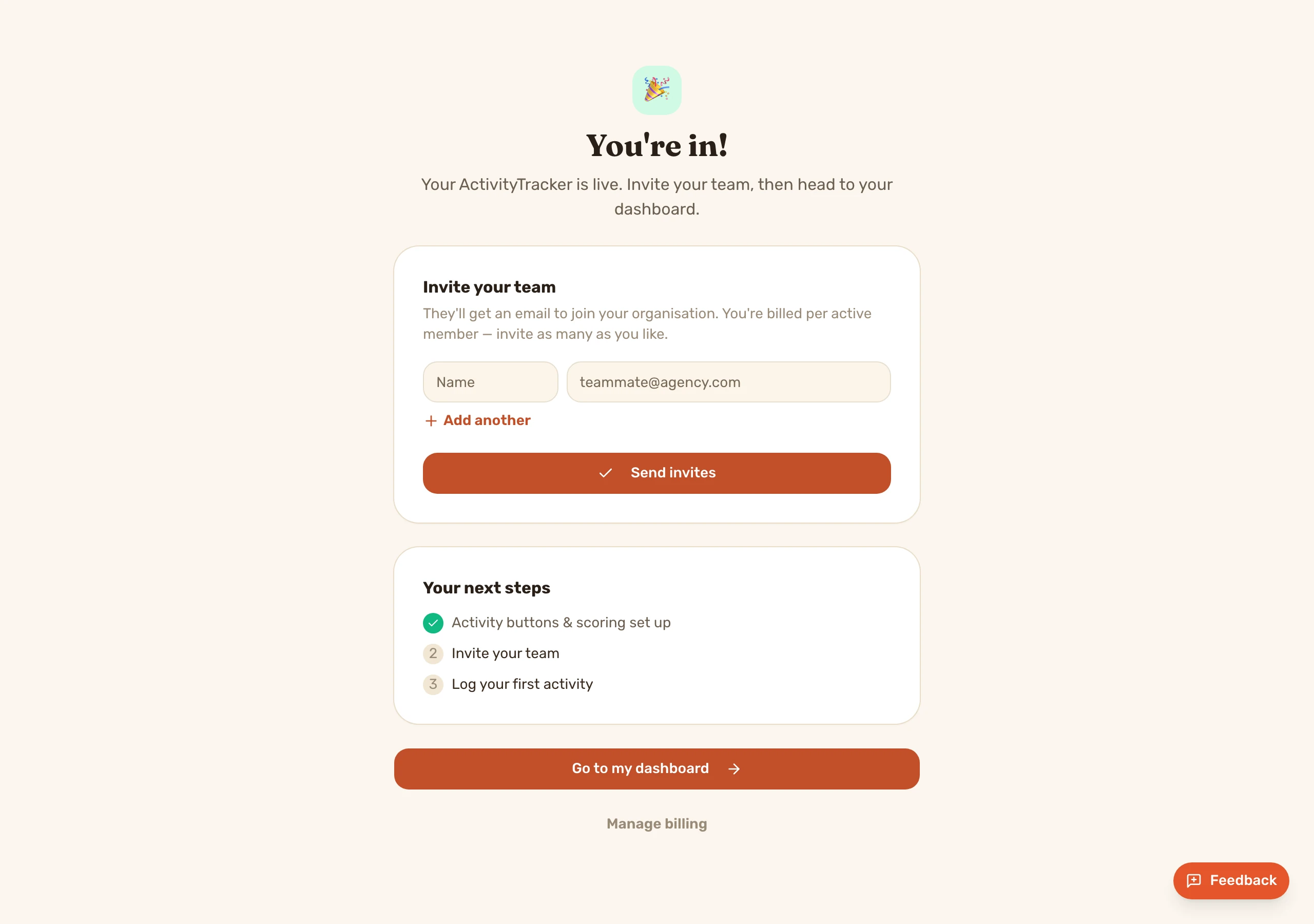
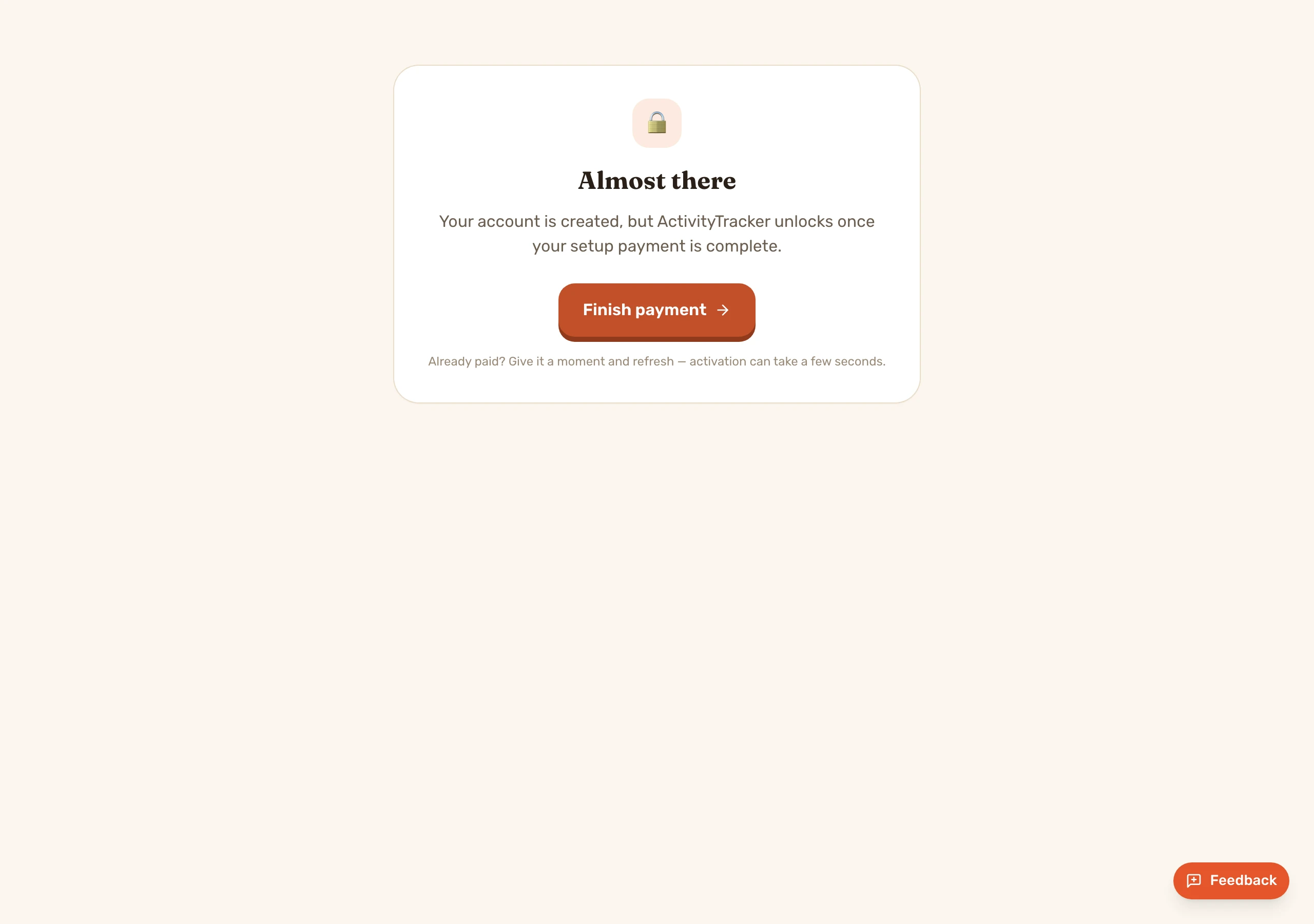
Salesperson-created buyers get a branded “set your password” welcome (self-signups skip it and the welcome email one-click signs them in). Then the post-payment hub: invite the team, next steps, dashboard — with an auto-polling “setting up” screen if the webhook lags.
In-app tour — the transformation journey
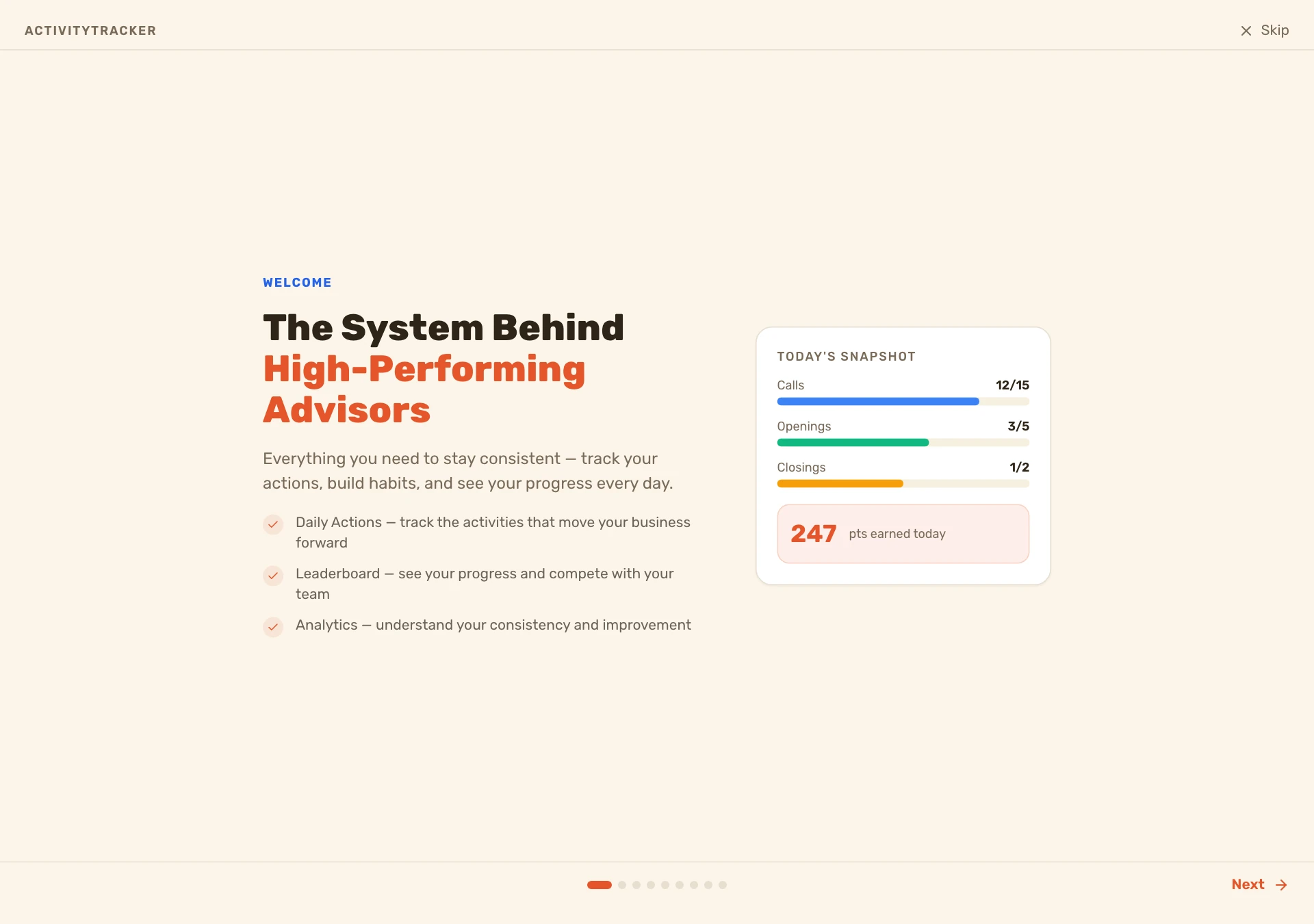
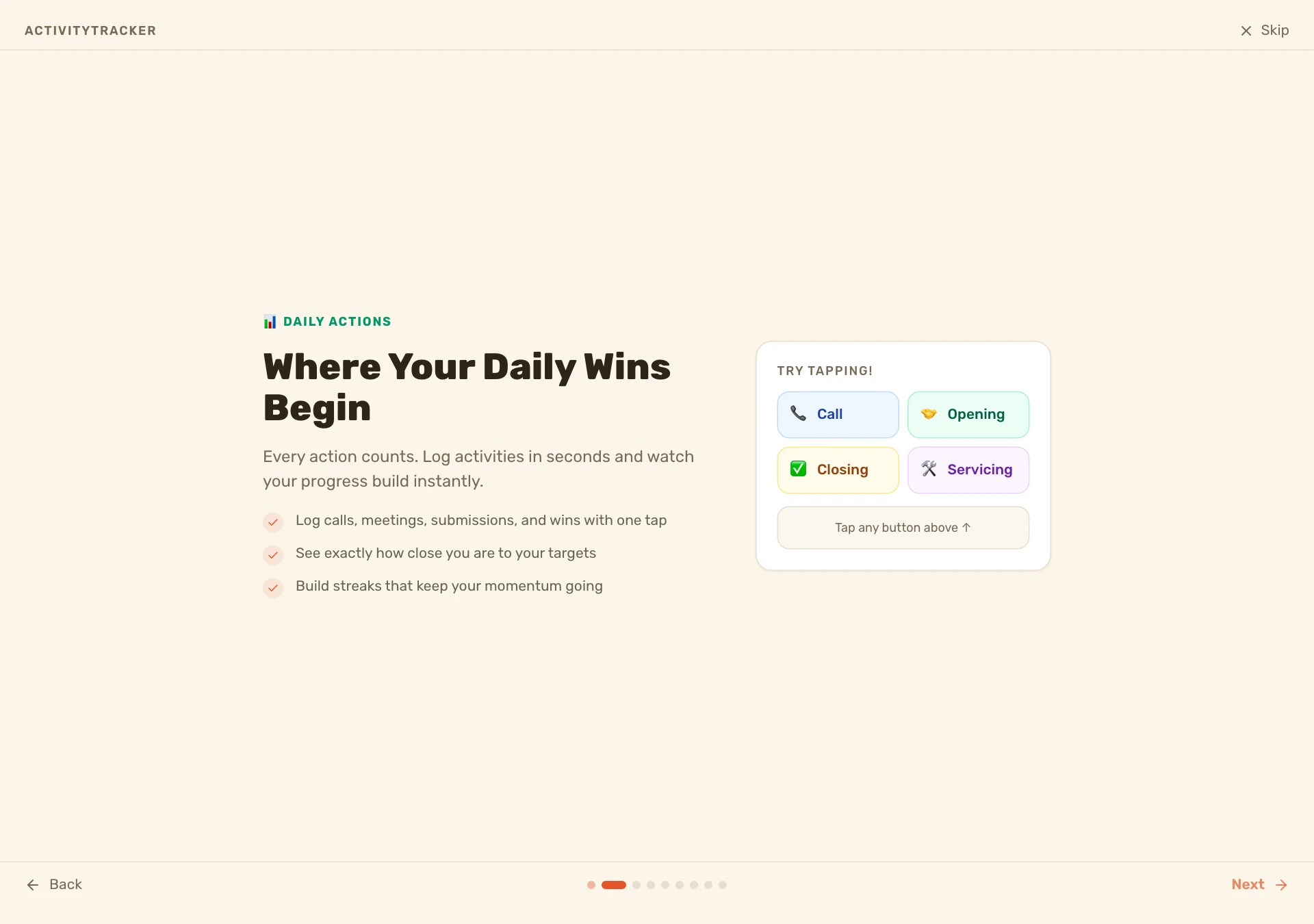
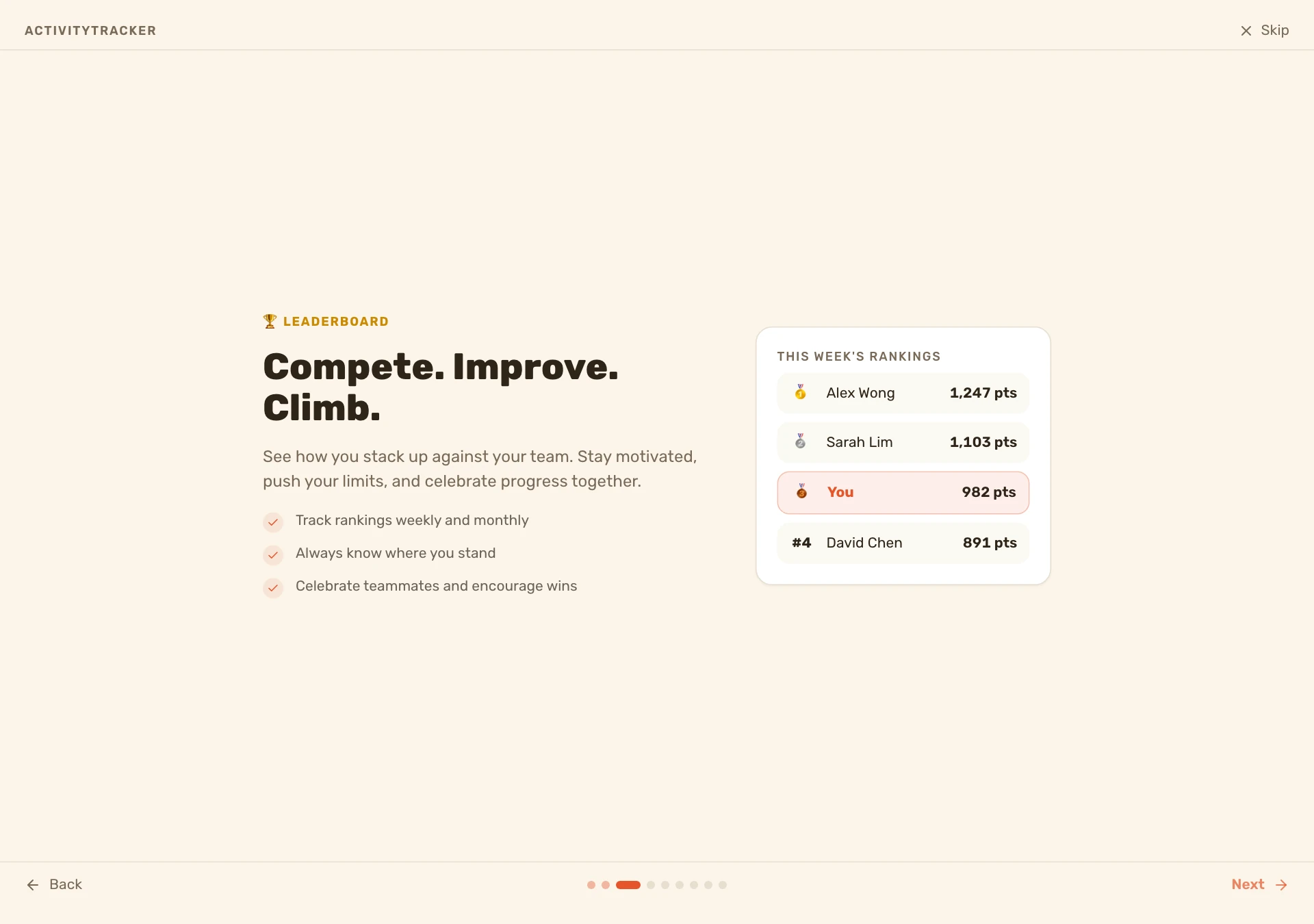
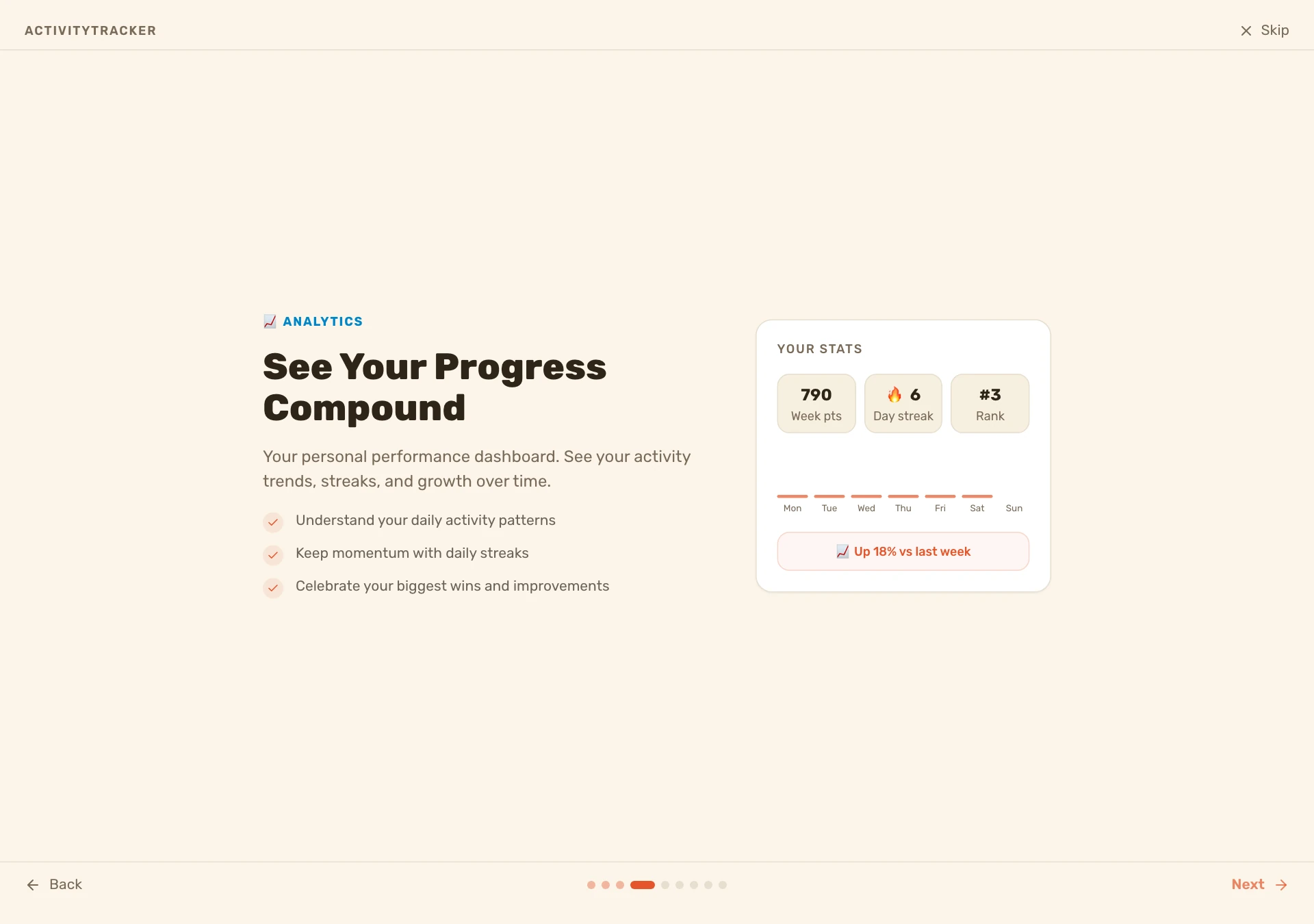
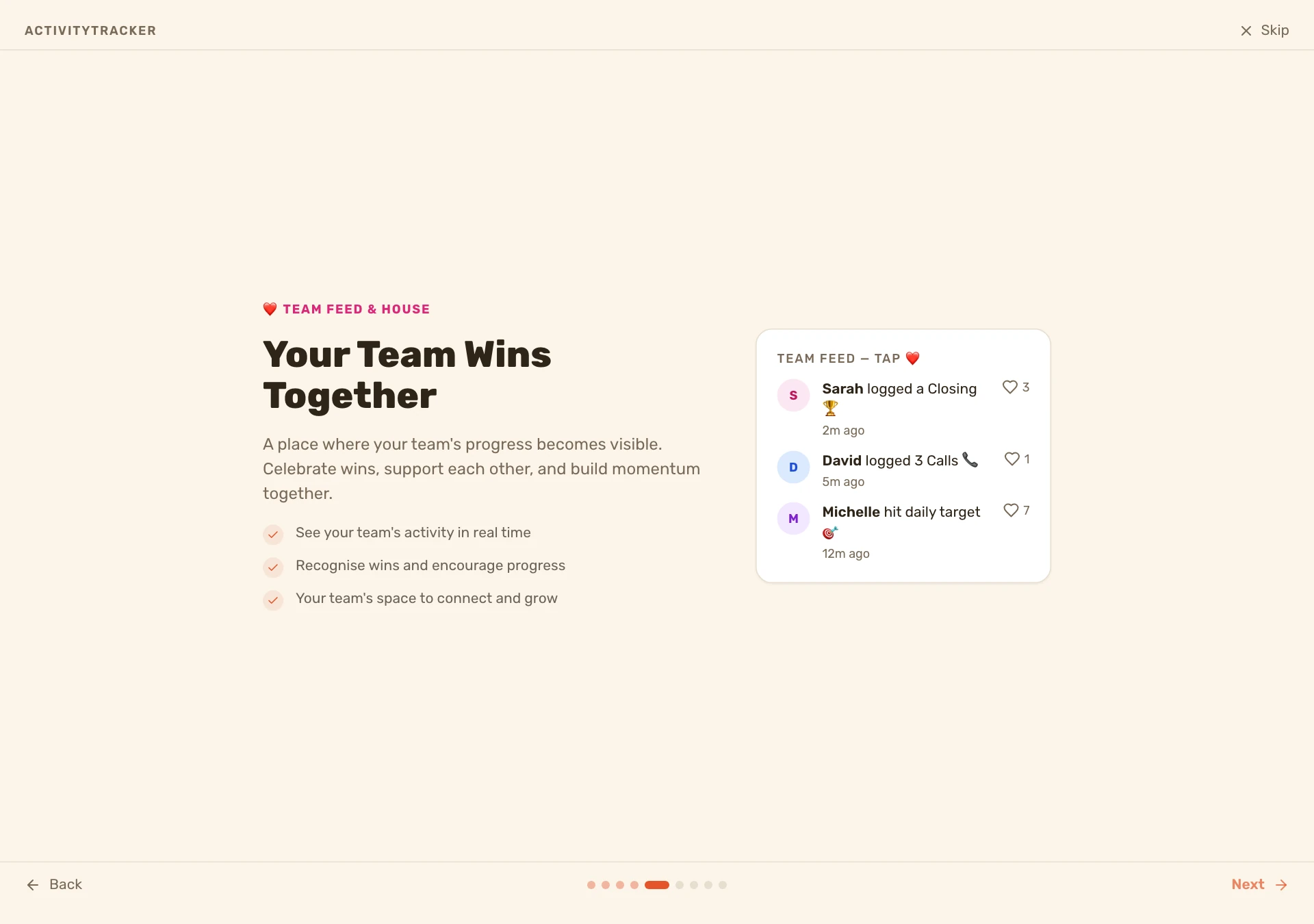
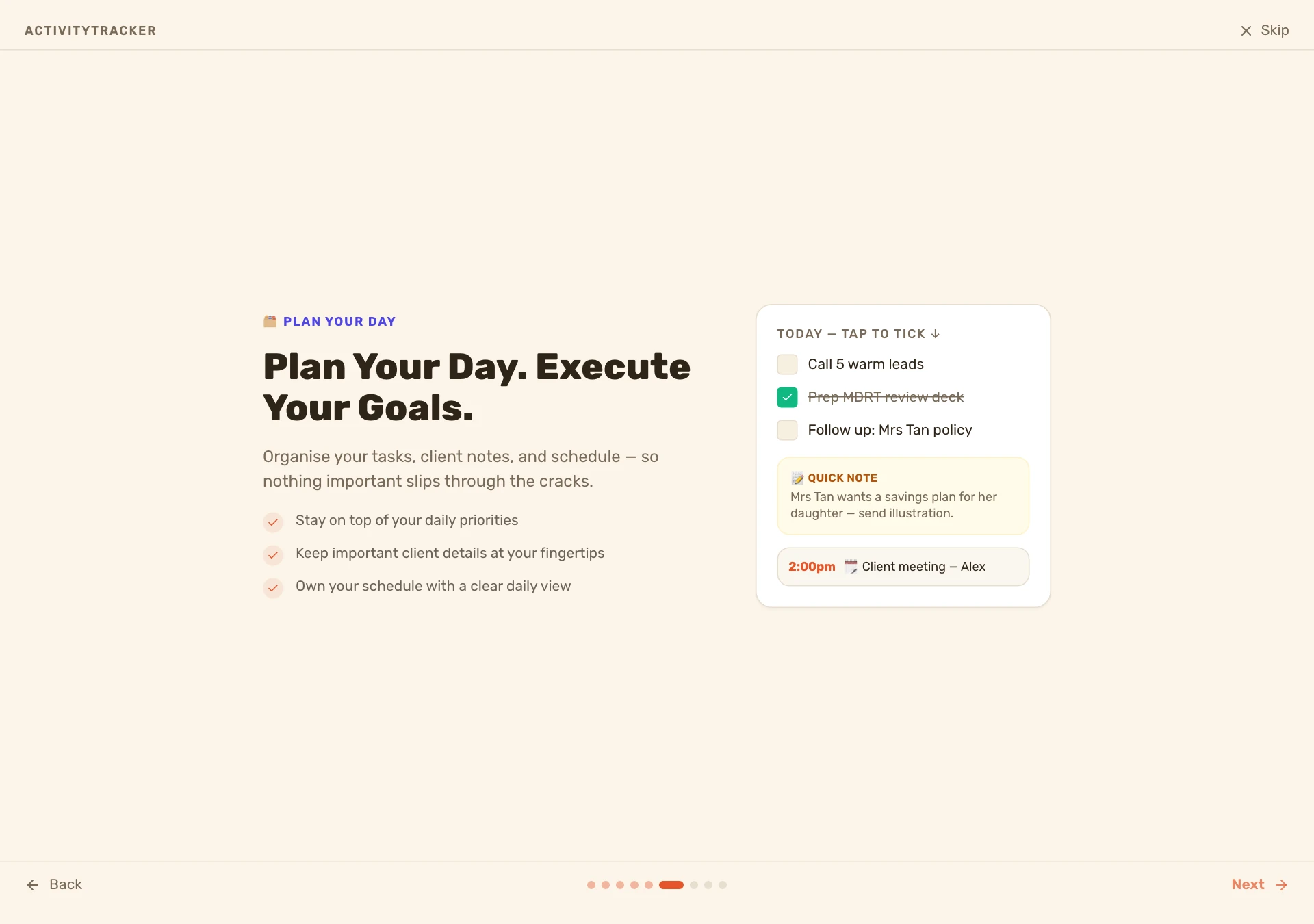
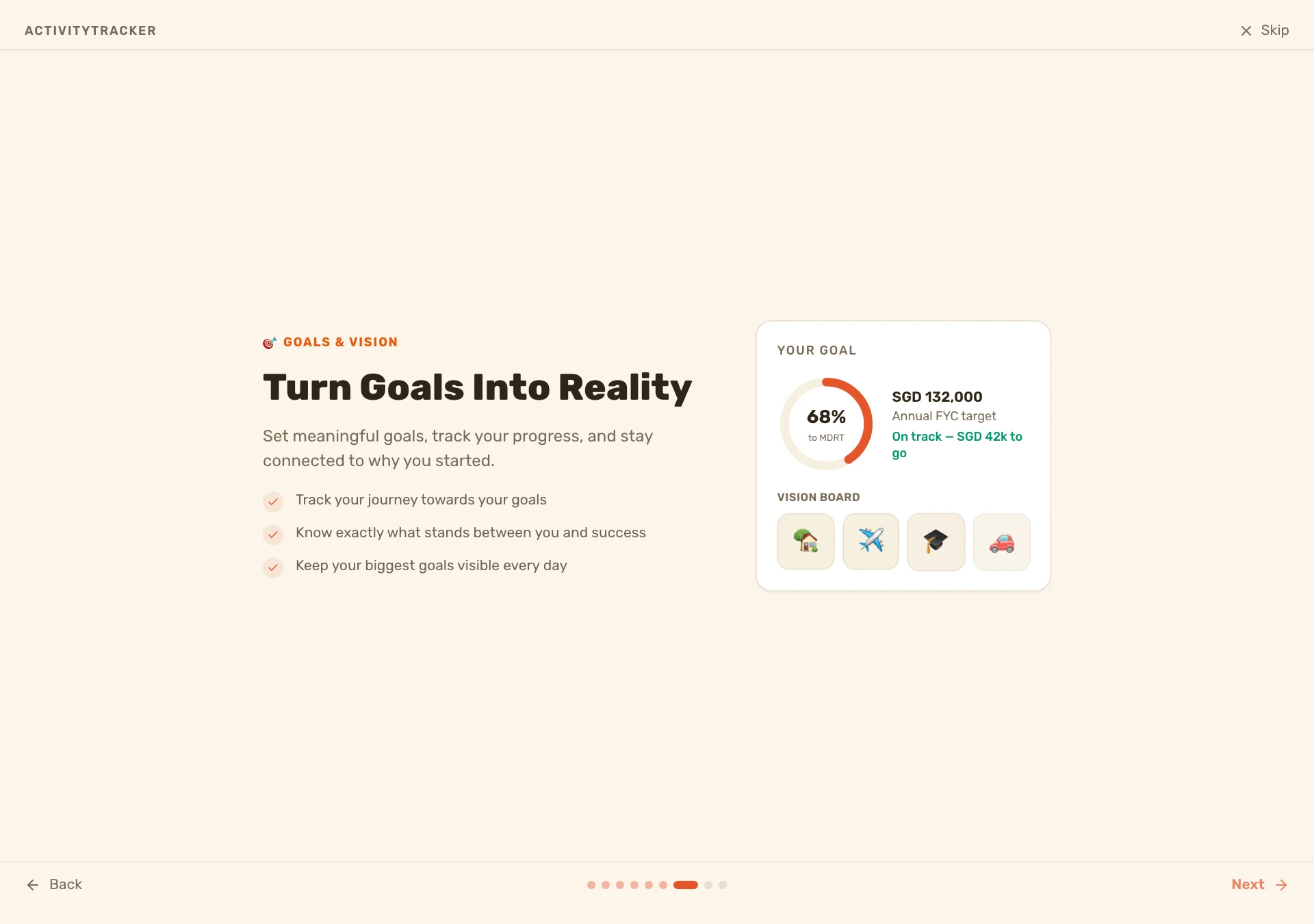
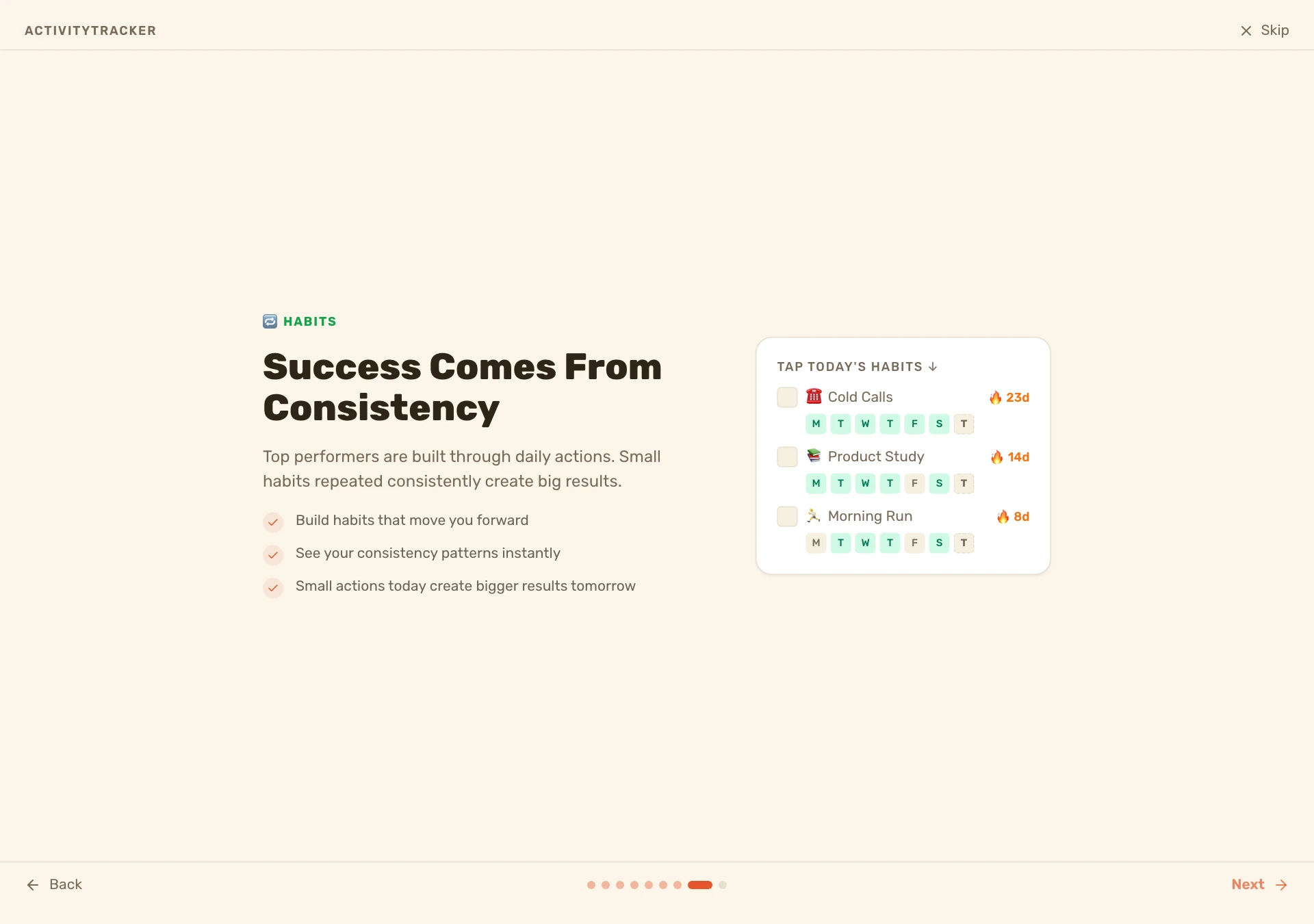
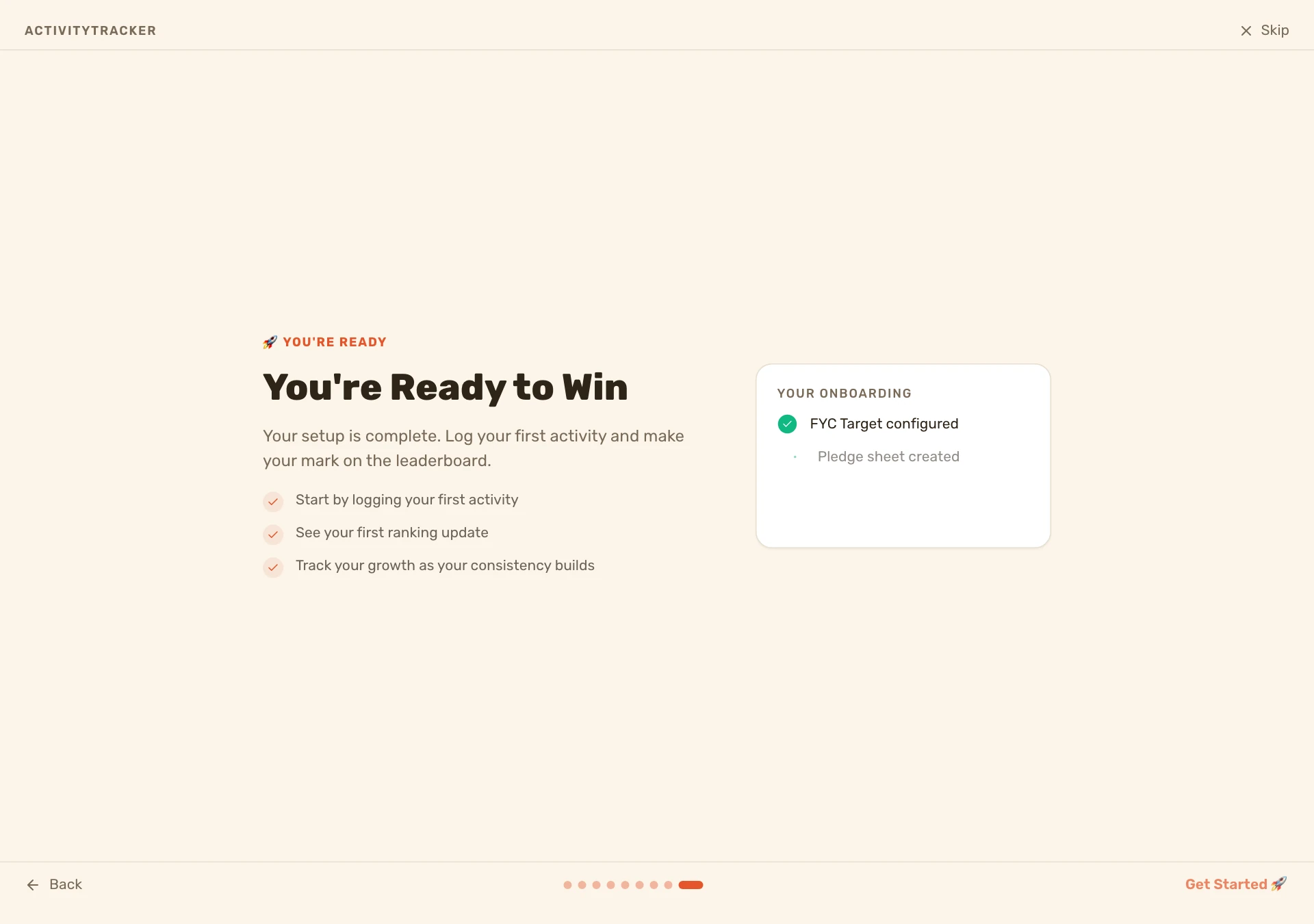
A core-first, 9-slide carousel with interactive mocks, framed as a journey (identity → action → competition → growth → community → execution → purpose → consistency → activation). Shows once, then persists as seen.
First real activity
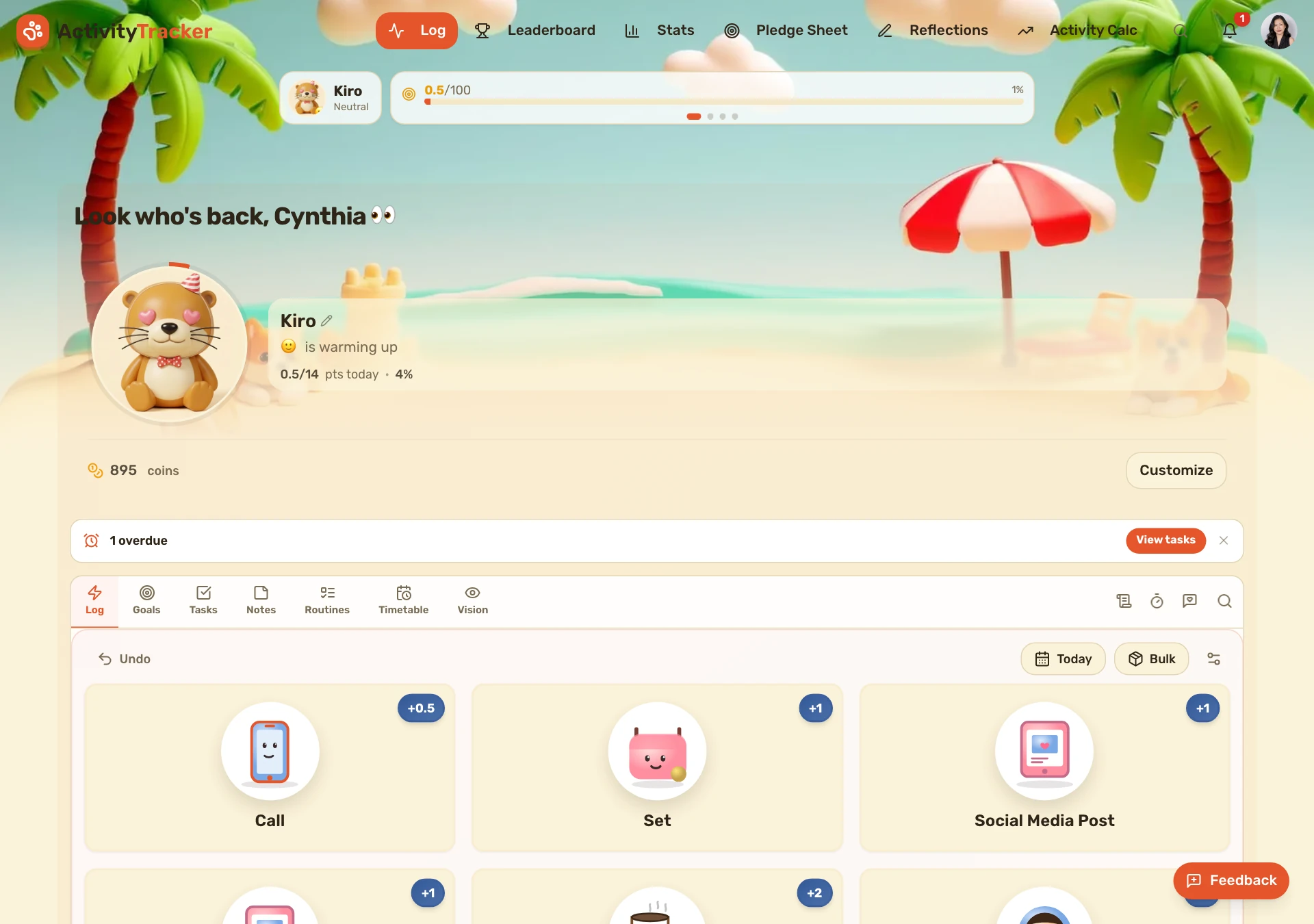
New orgs are seeded with 9 default activity buttons. A one-time coachmark above them nudges brand-new users to log their first activity — shown only to accounts created after this shipped, and only until they log or dismiss it.

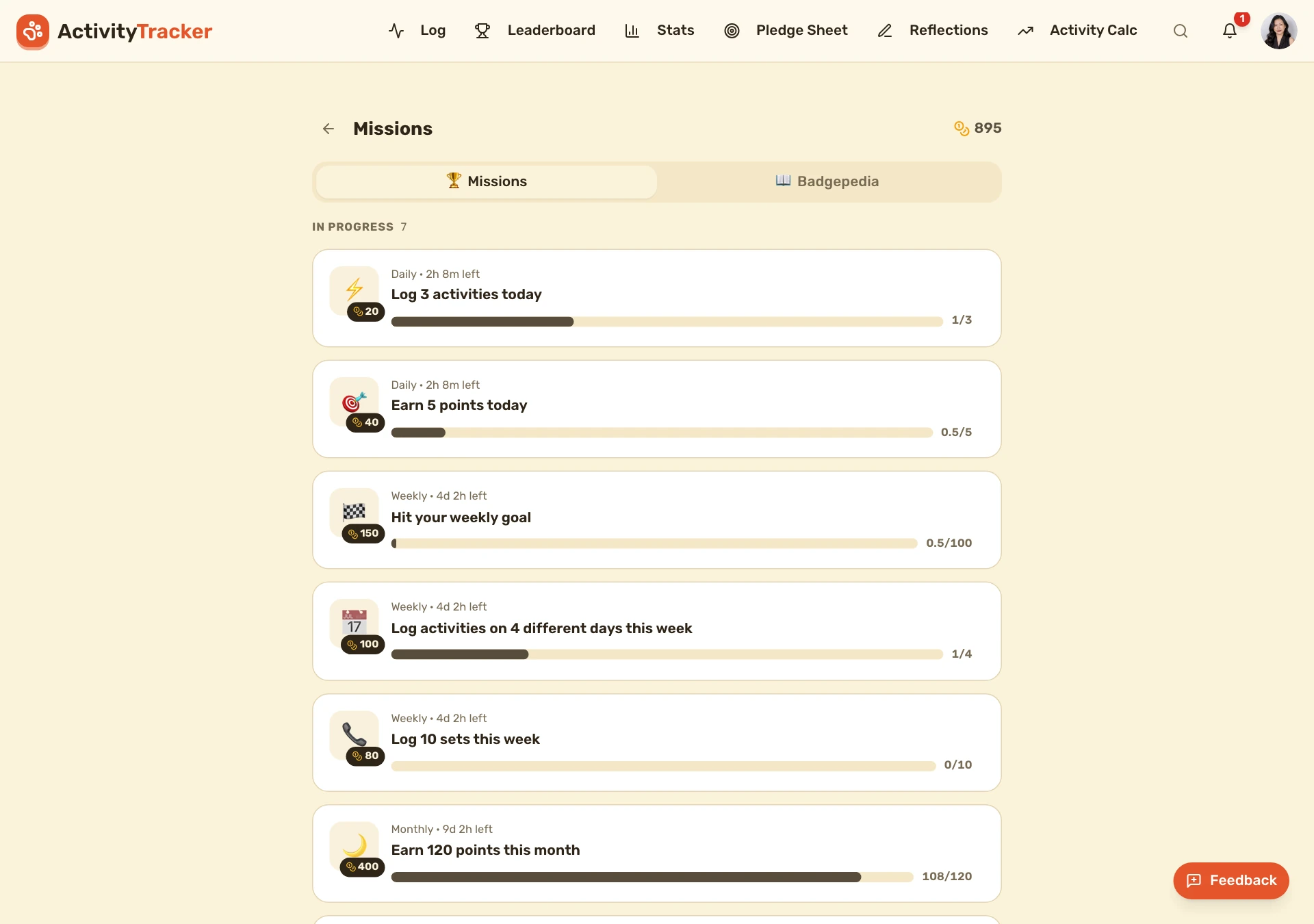
Onboarding missions that pay coins
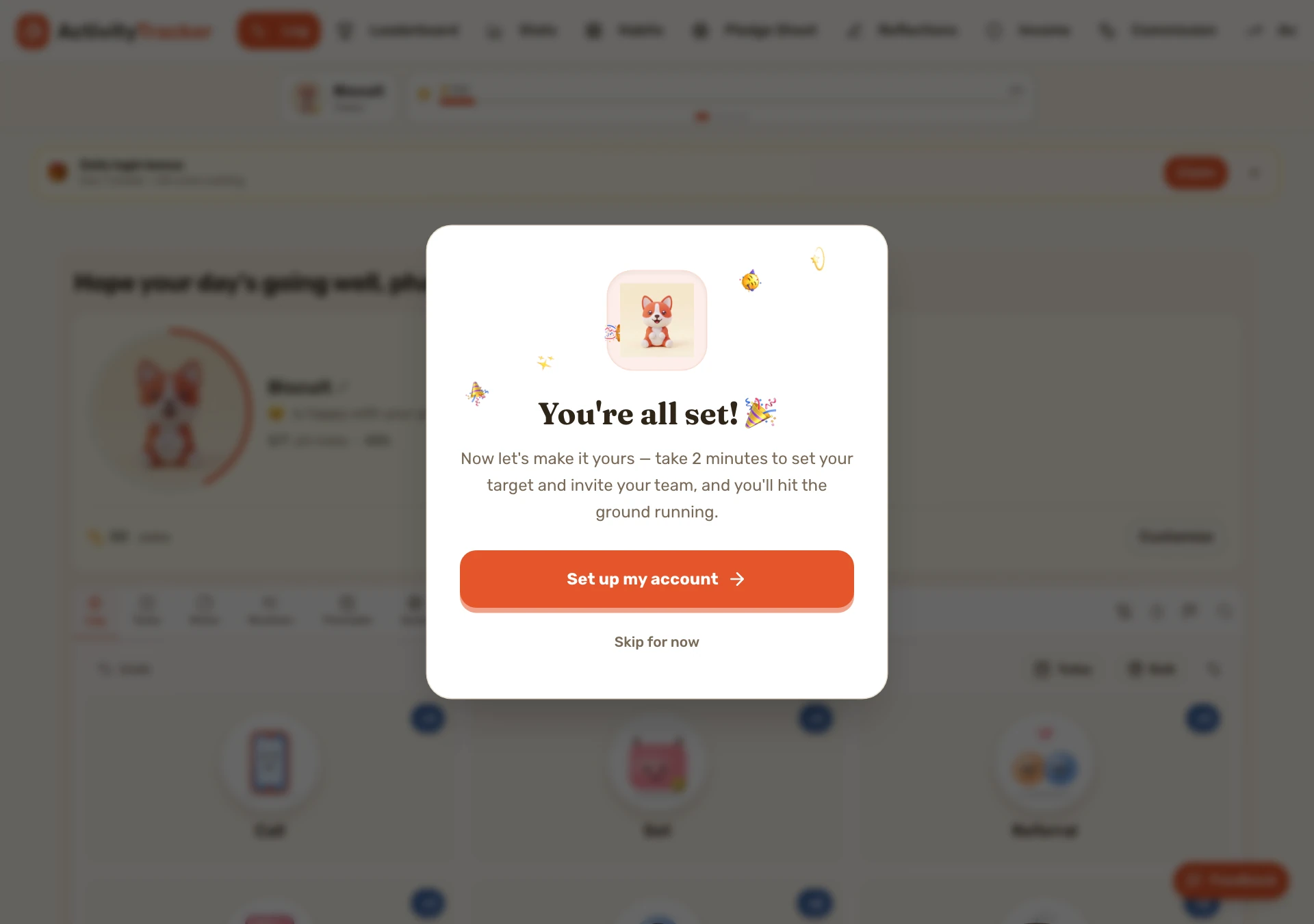
New accounts get a “✨ Getting started” group of one-time missions — finish the tour, log your first activity, set a goal, add a note, invite a teammate — each paying coins. Existing users never see them (no retroactive windfall).
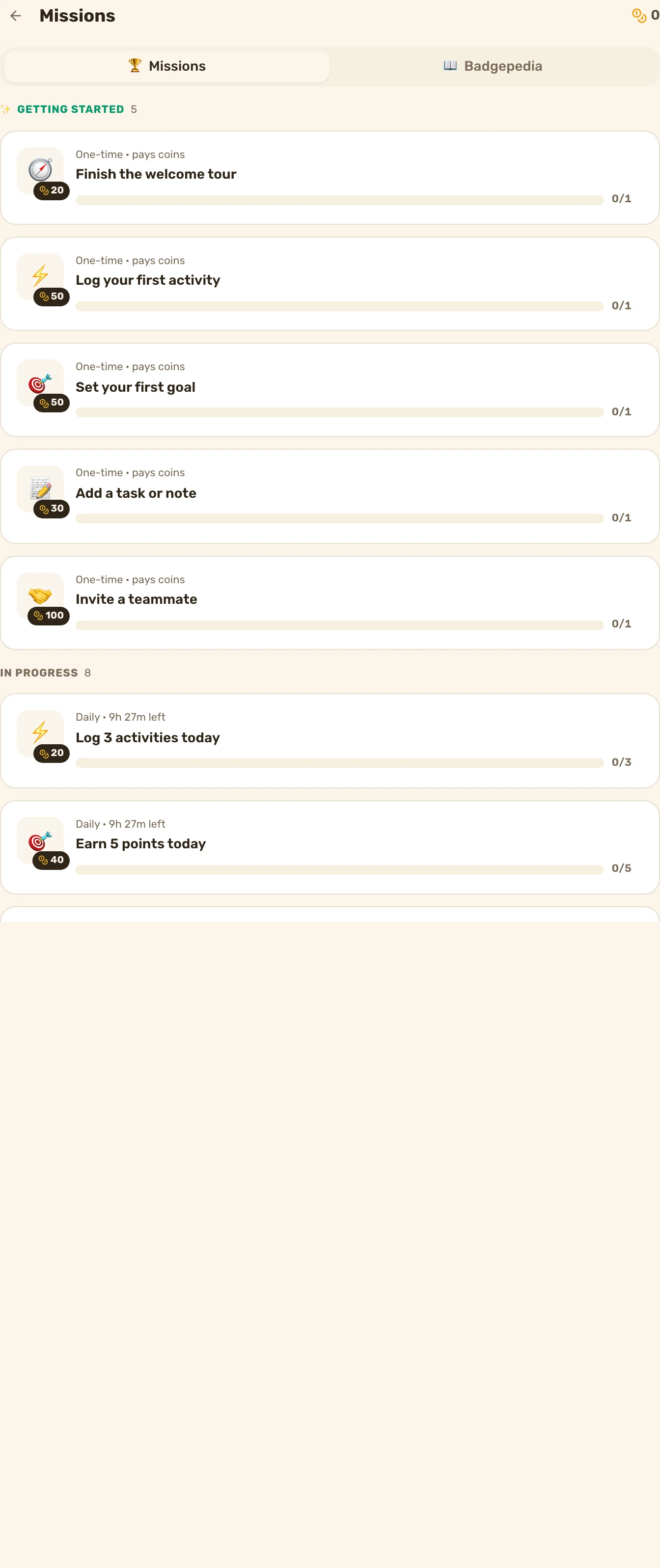
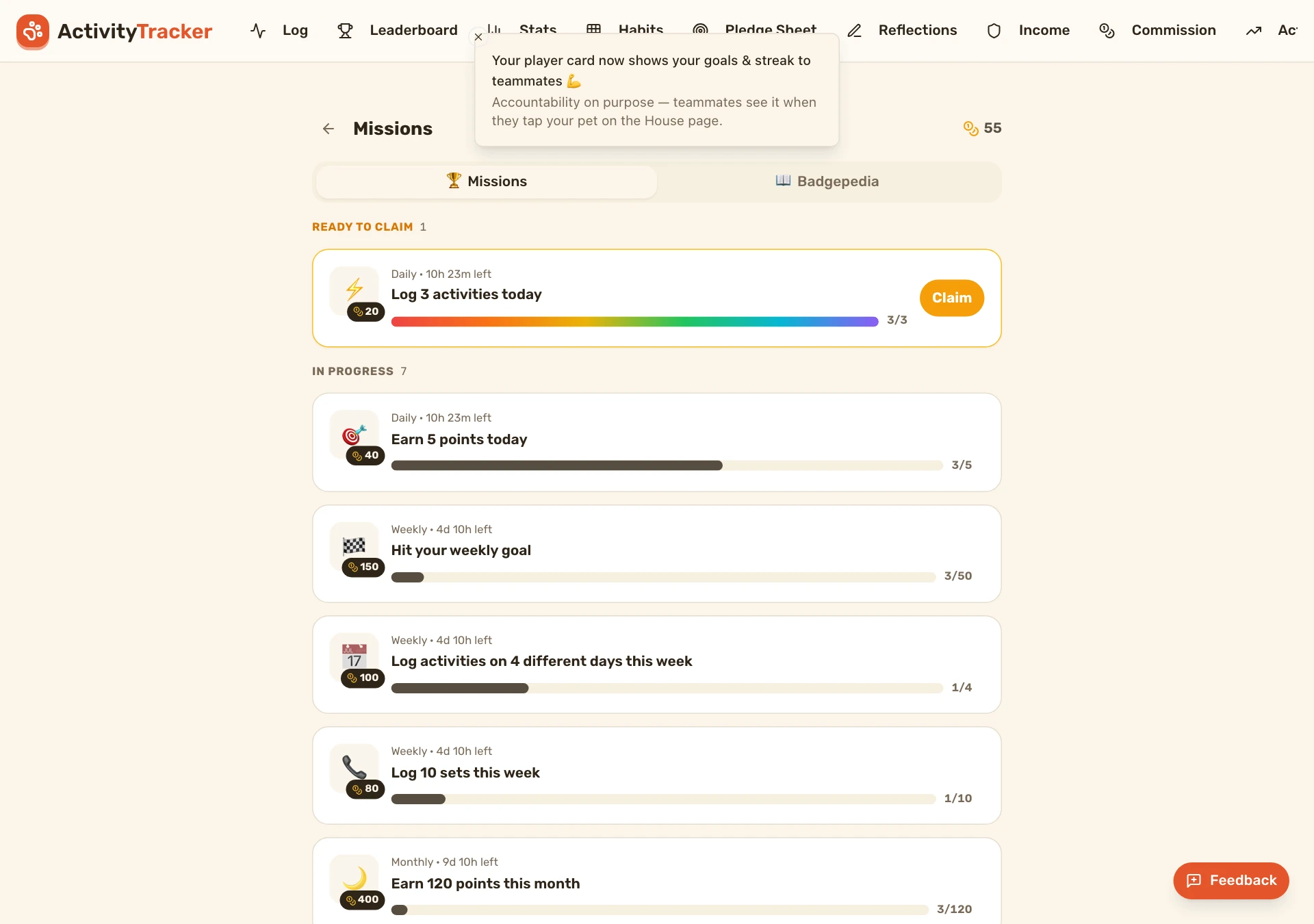
Claim & celebrate
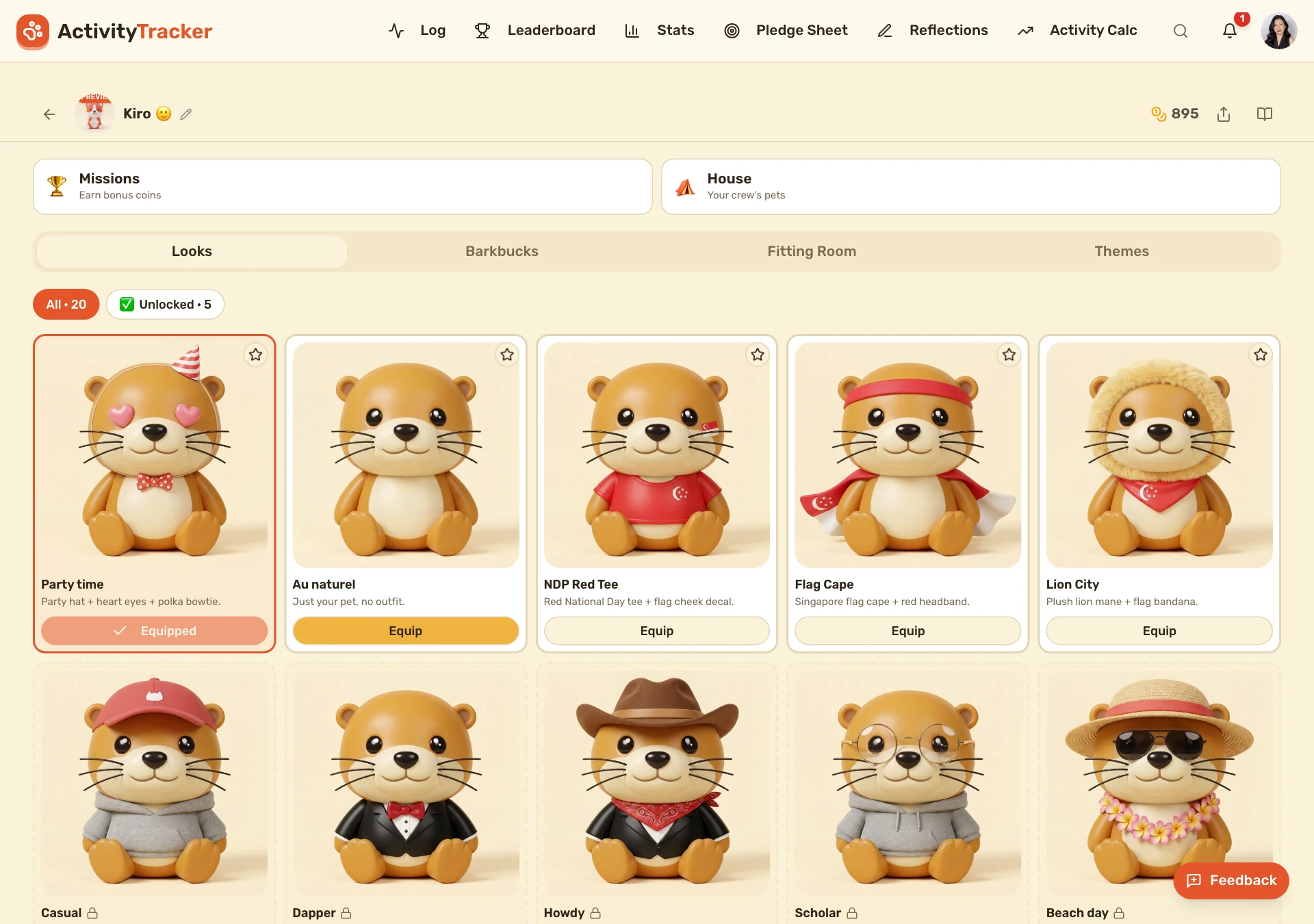
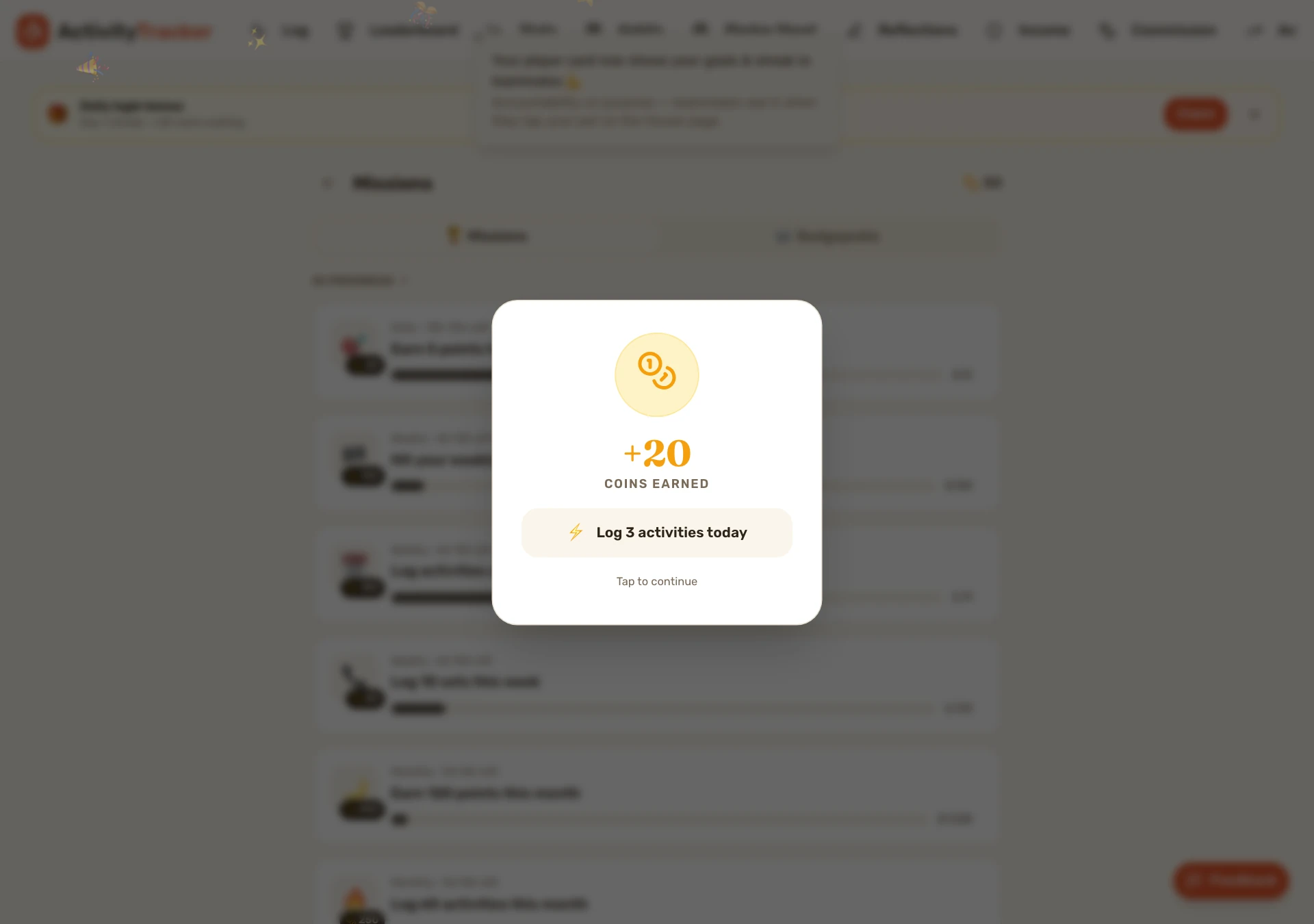
Claiming a mission fires a celebratory coin-burst overlay, and completing one pops an app-wide toast the moment it happens (e.g. right after the activity that completes it). Coins fuel the pet economy — themes, wardrobe, mystery boxes.
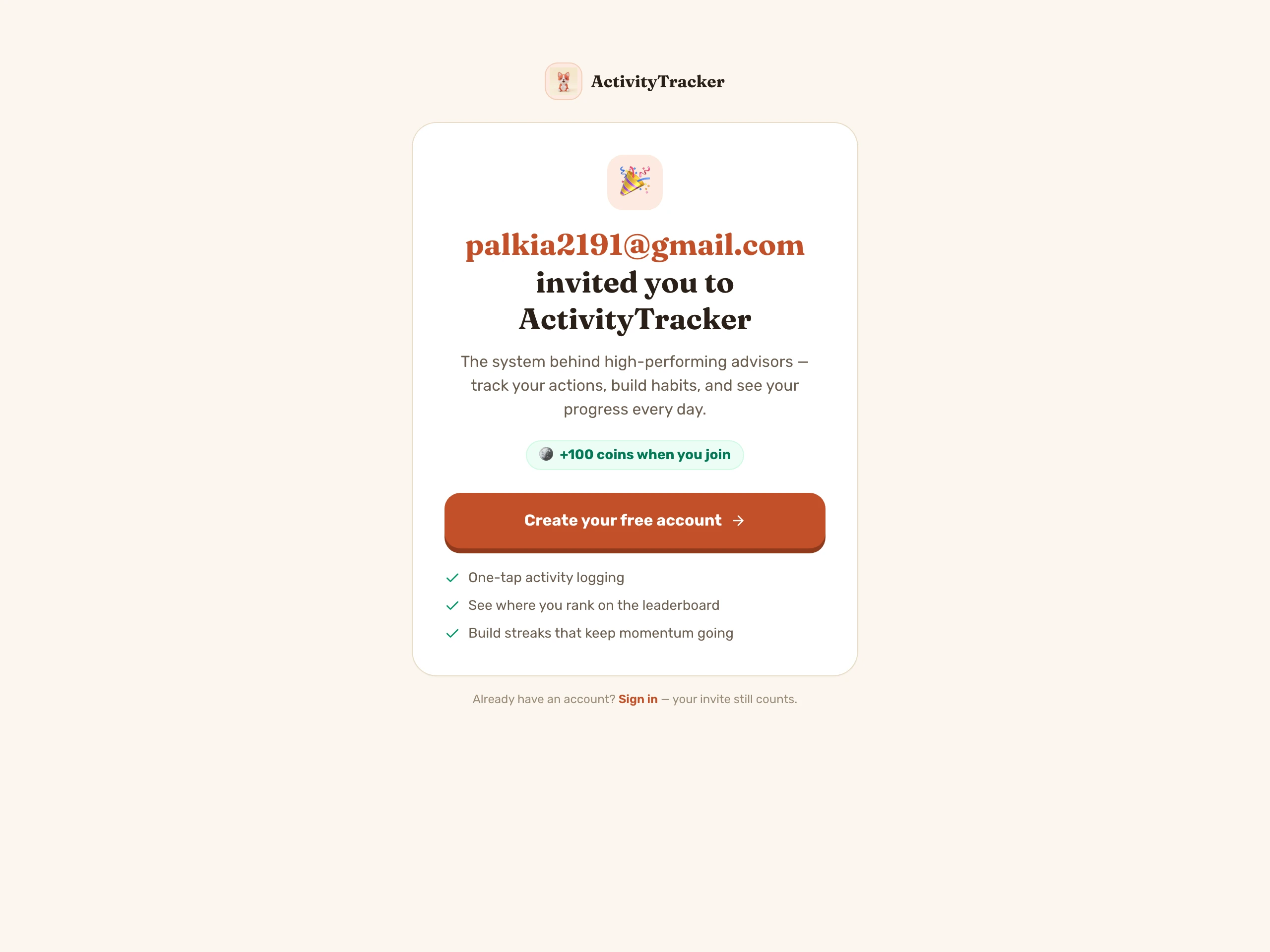
Refer a friend — the viral loop
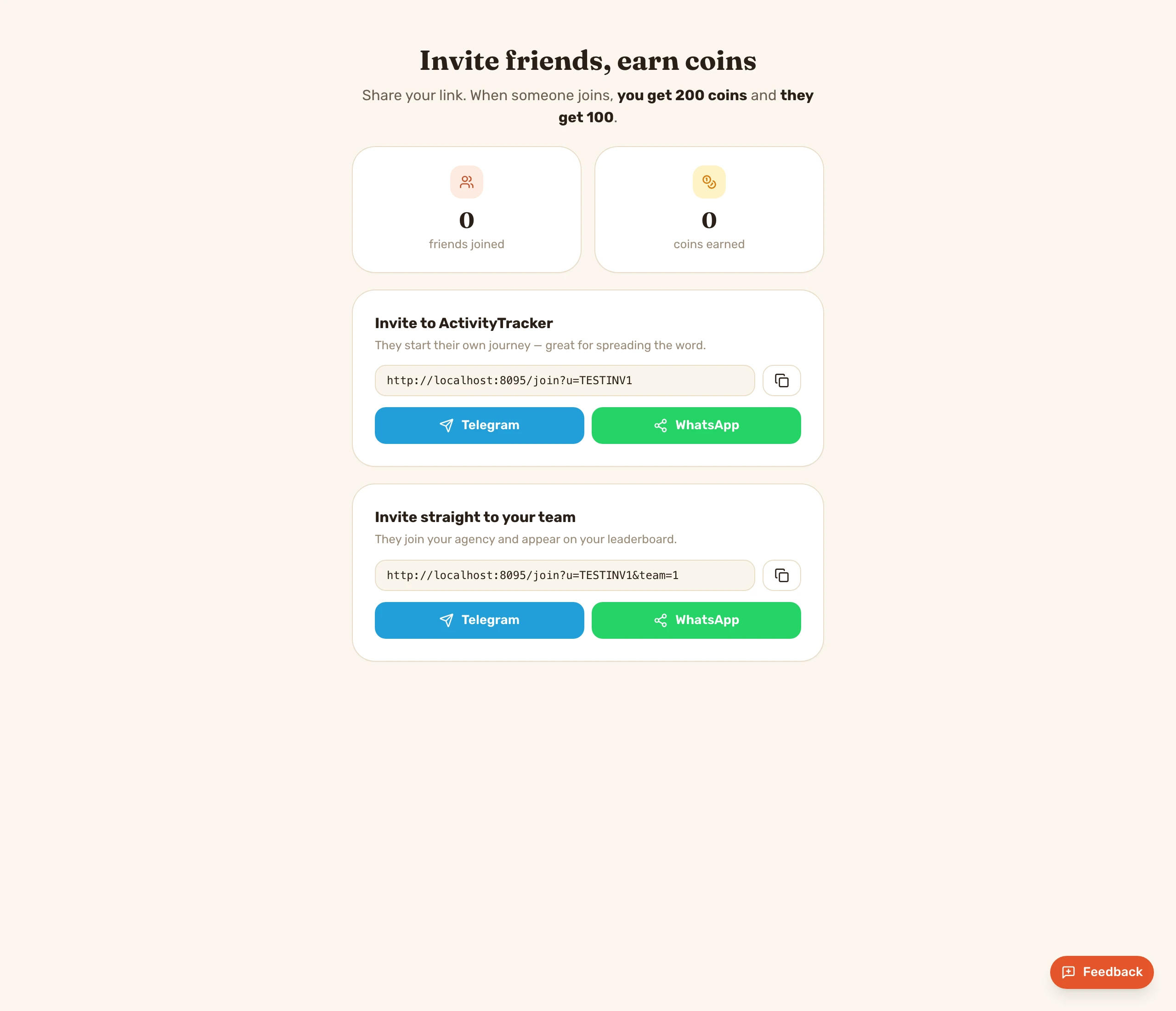
Every user gets a personal invite link to share on Telegram/WhatsApp. When a friend joins via /join?u=CODE they can start their own agency or ask to join yours — and once they become an active paid seat, you both earn coins (you +200, they +100). Bringing them onto your team goes through the gated flow: you approve the seat (agency-funded), or they pay for their own (self-funded). Anti-abuse: one reward per invitee, capped per inviter per month.
Grow & earn — the partner program
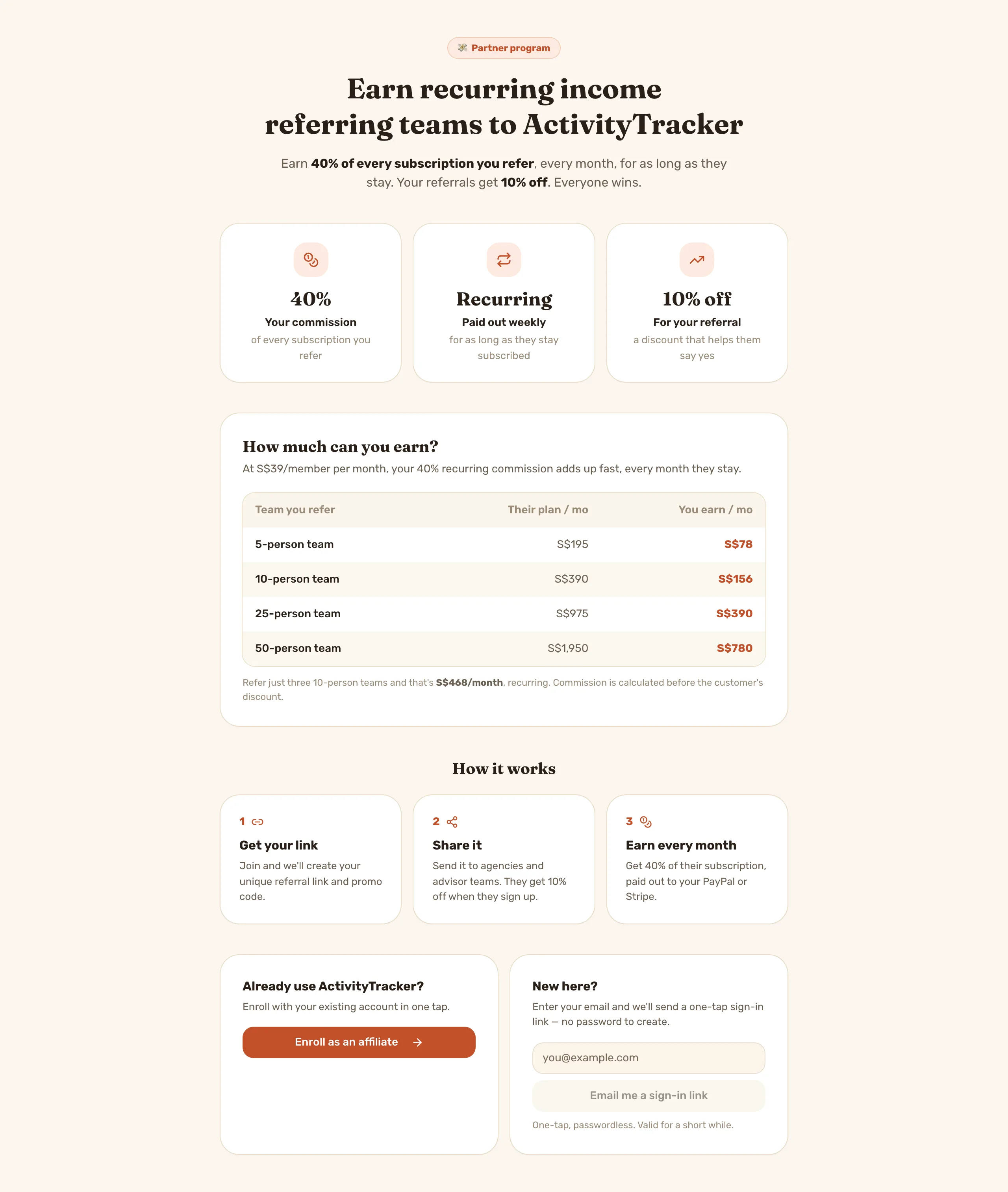
Advisors can become affiliates and earn 40% recurring commission for every team they refer (their referrals get 10% off). The /affiliates page lays out the commission structure, an earnings table, and a one-tap passwordless join.
Calculators, standalone — a second way in
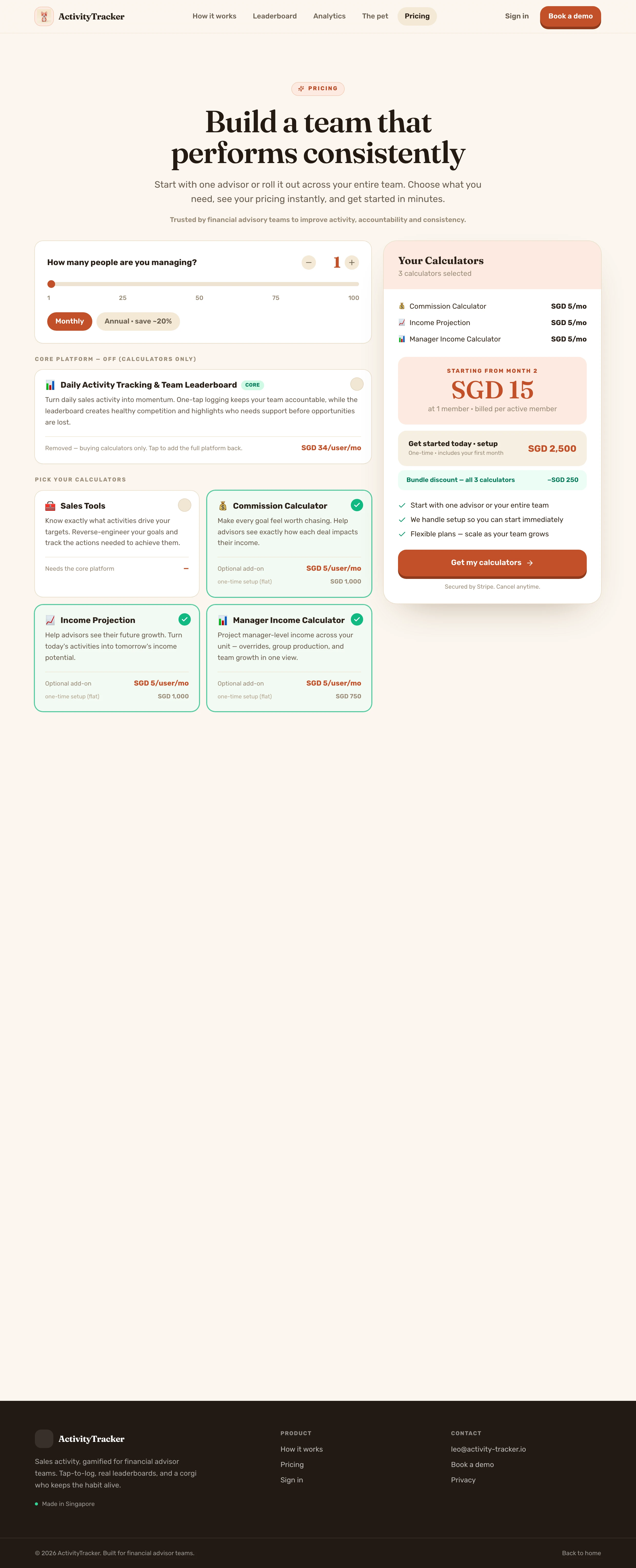
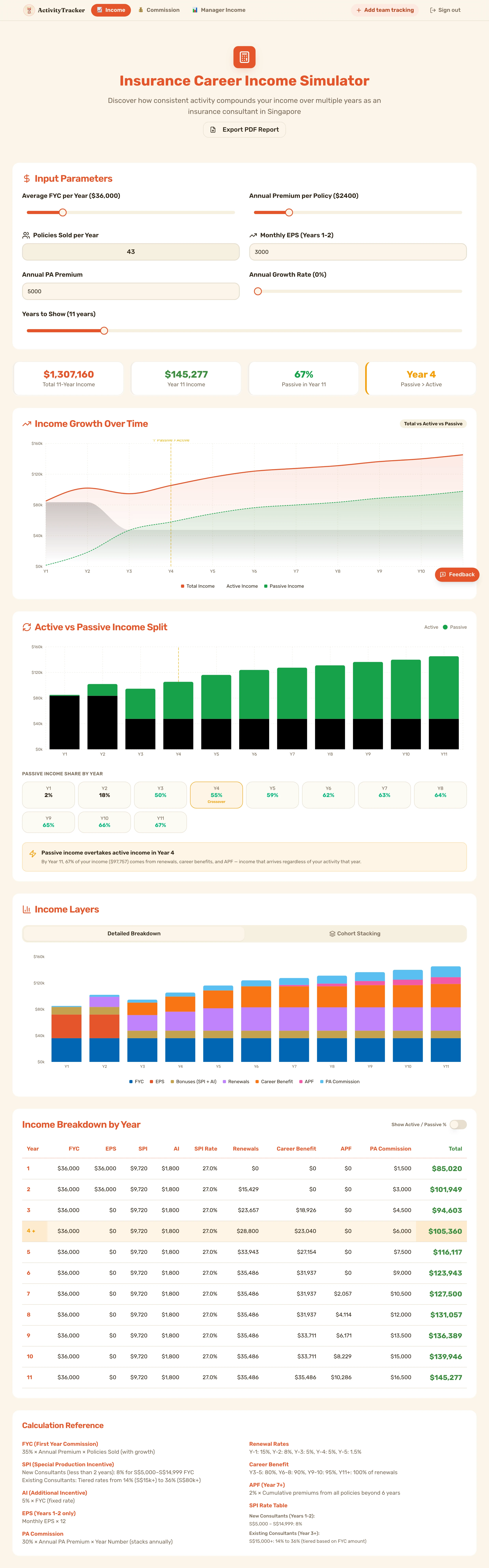
On /pricing, unchecking the core platform switches to a calculators-only product: Income, Commission and optional Manager Income calculators at a flat one-time setup each (all three together earn a bundle discount), plus $5/consultant/month. Buyers land in a stripped tools-only shell — just the calculator tabs, no tracker, no onboarding — with a one-click “Add team tracking” upgrade back to the full platform.
The daily driver — log, feed, analytics, leaderboard
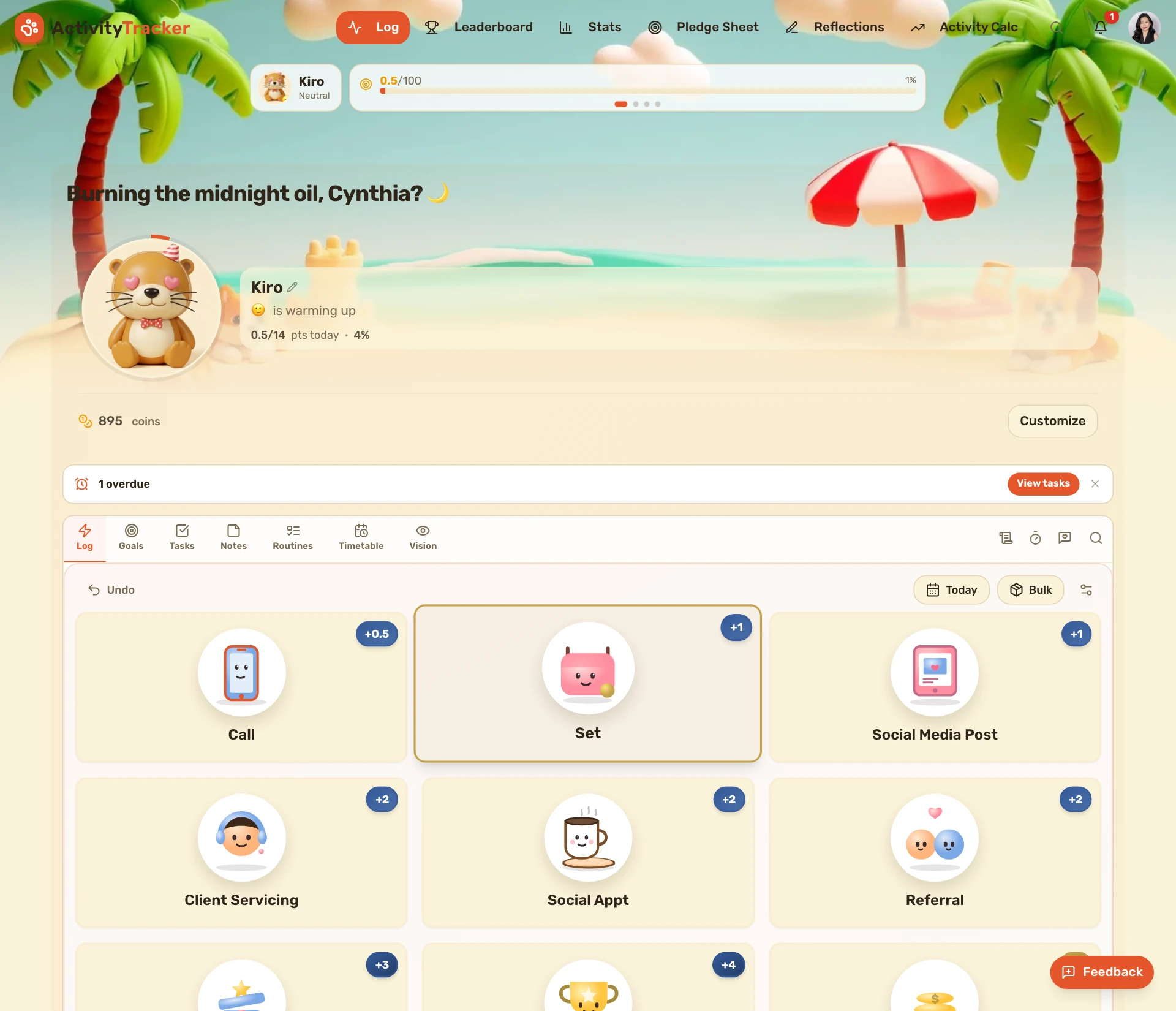
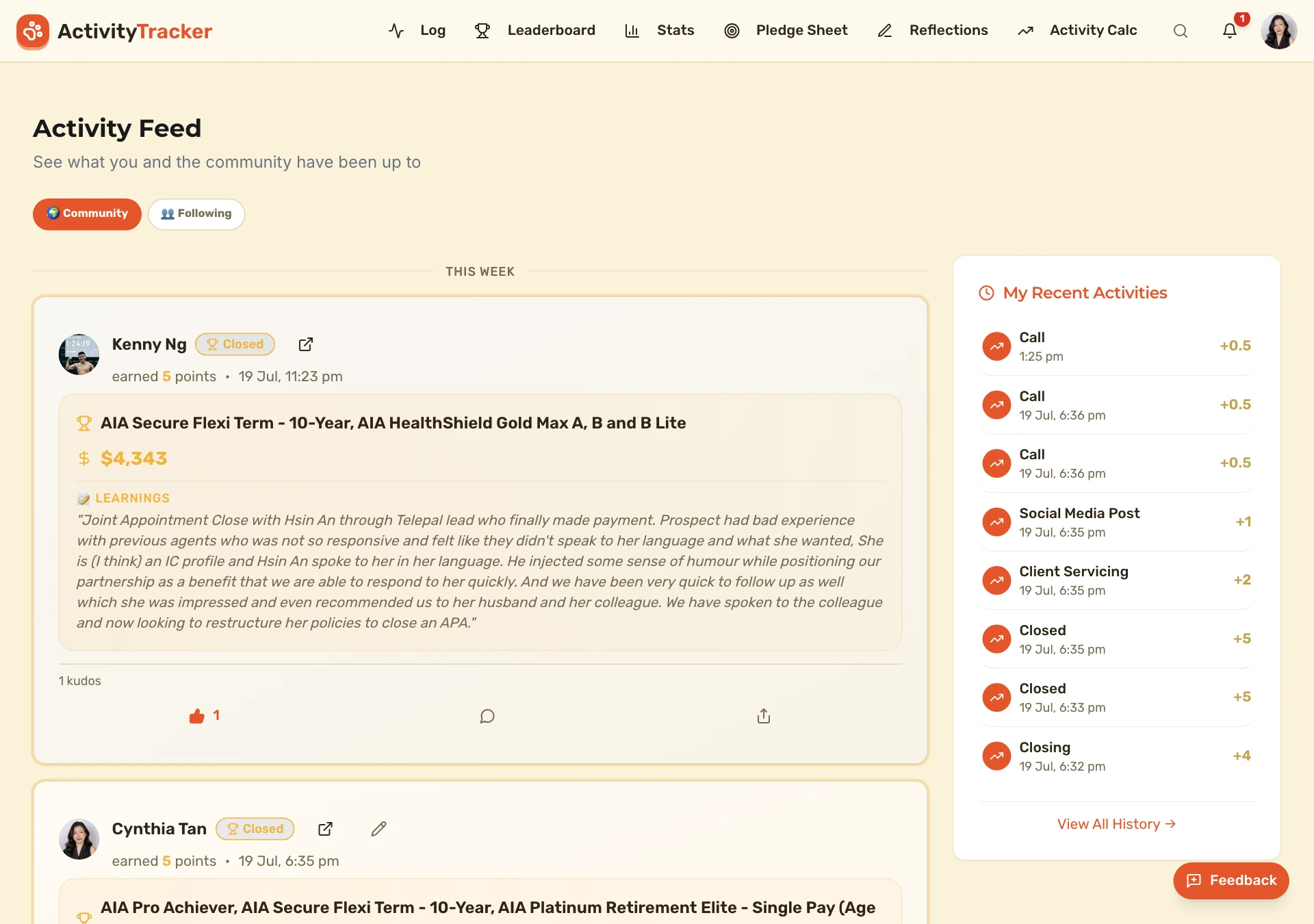
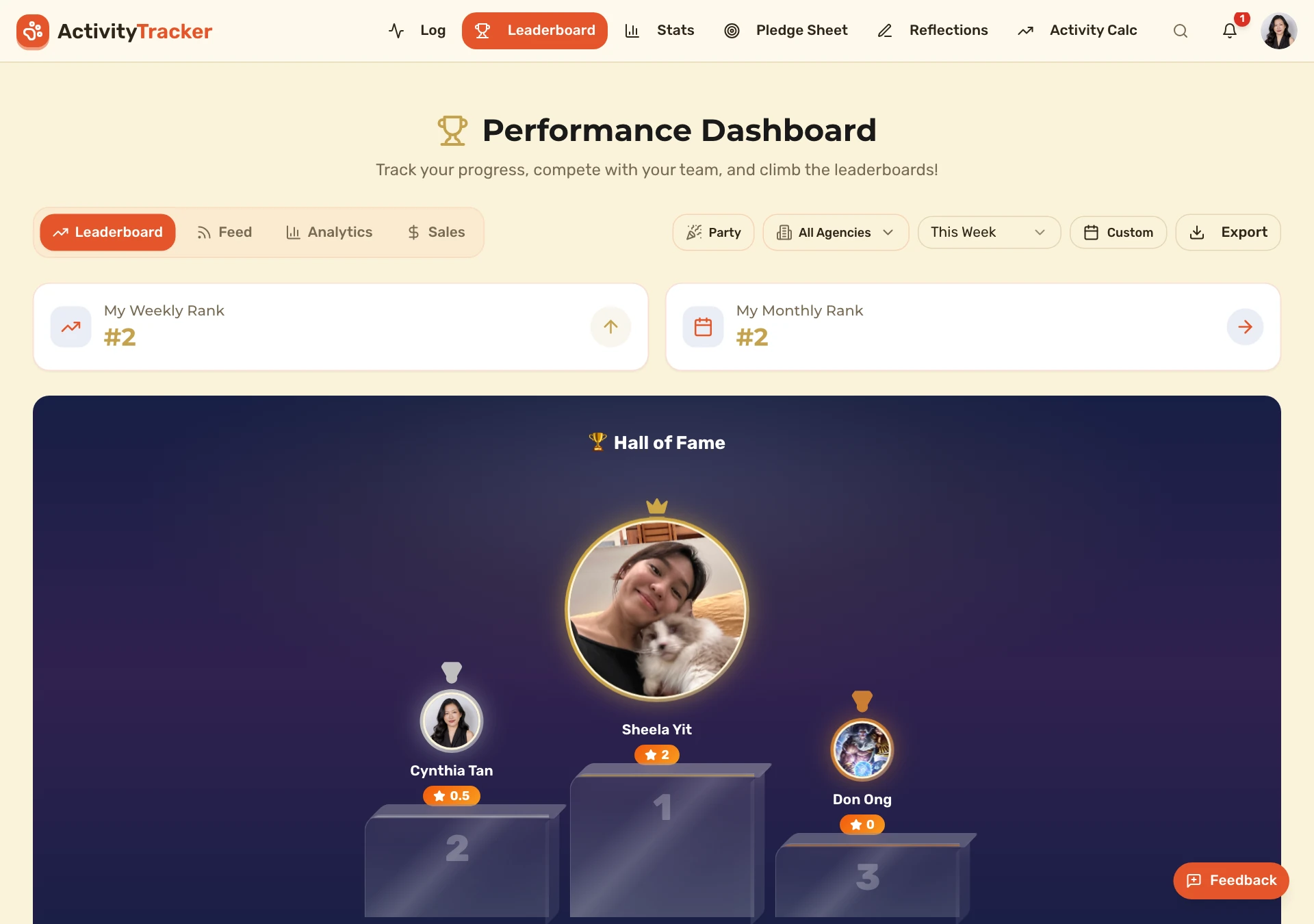
The core loop an advisor lives in every day. Log activity in one tap, watch the team's momentum roll through the live feed, see trends and conversion analytics build over weeks, and check where you stand on the Hall of Fame leaderboard.
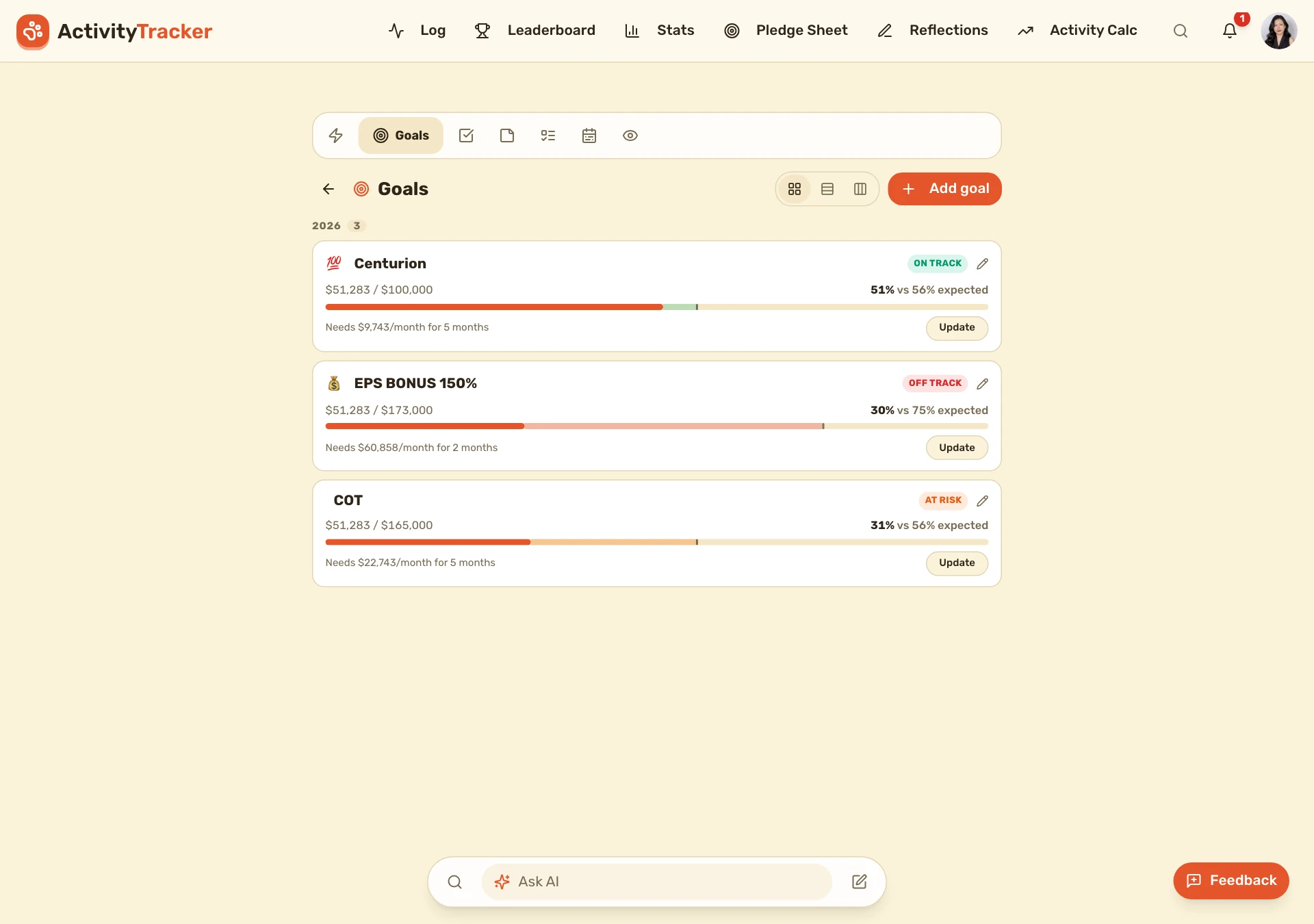
Plan & execute — goals, tasks, planner, routines, notes, vision
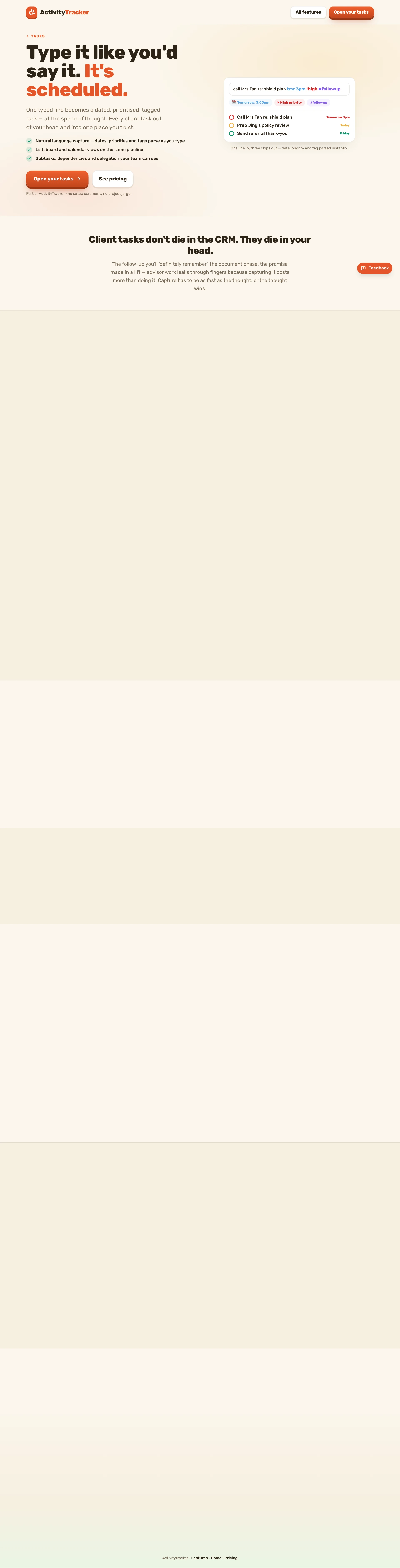
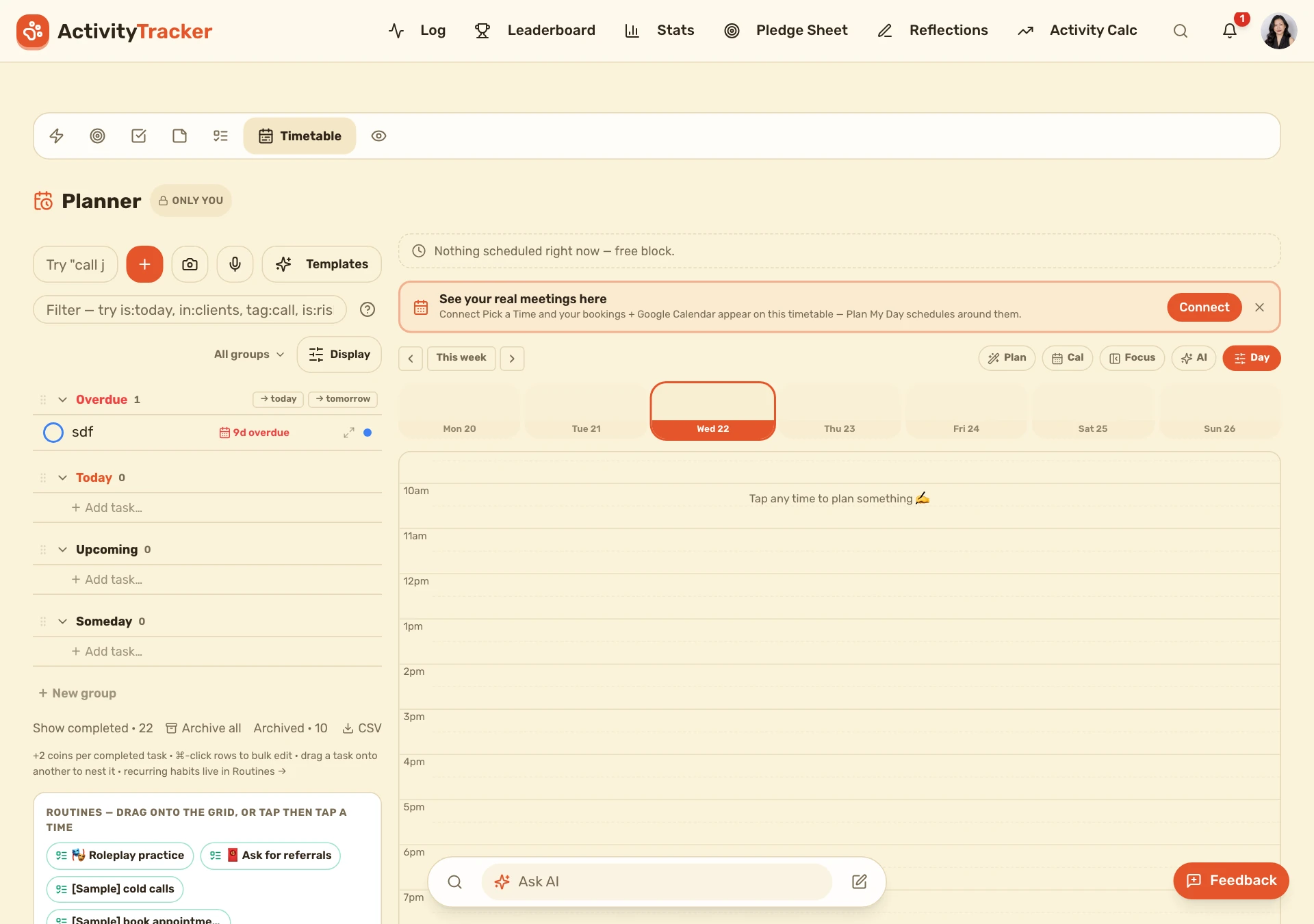
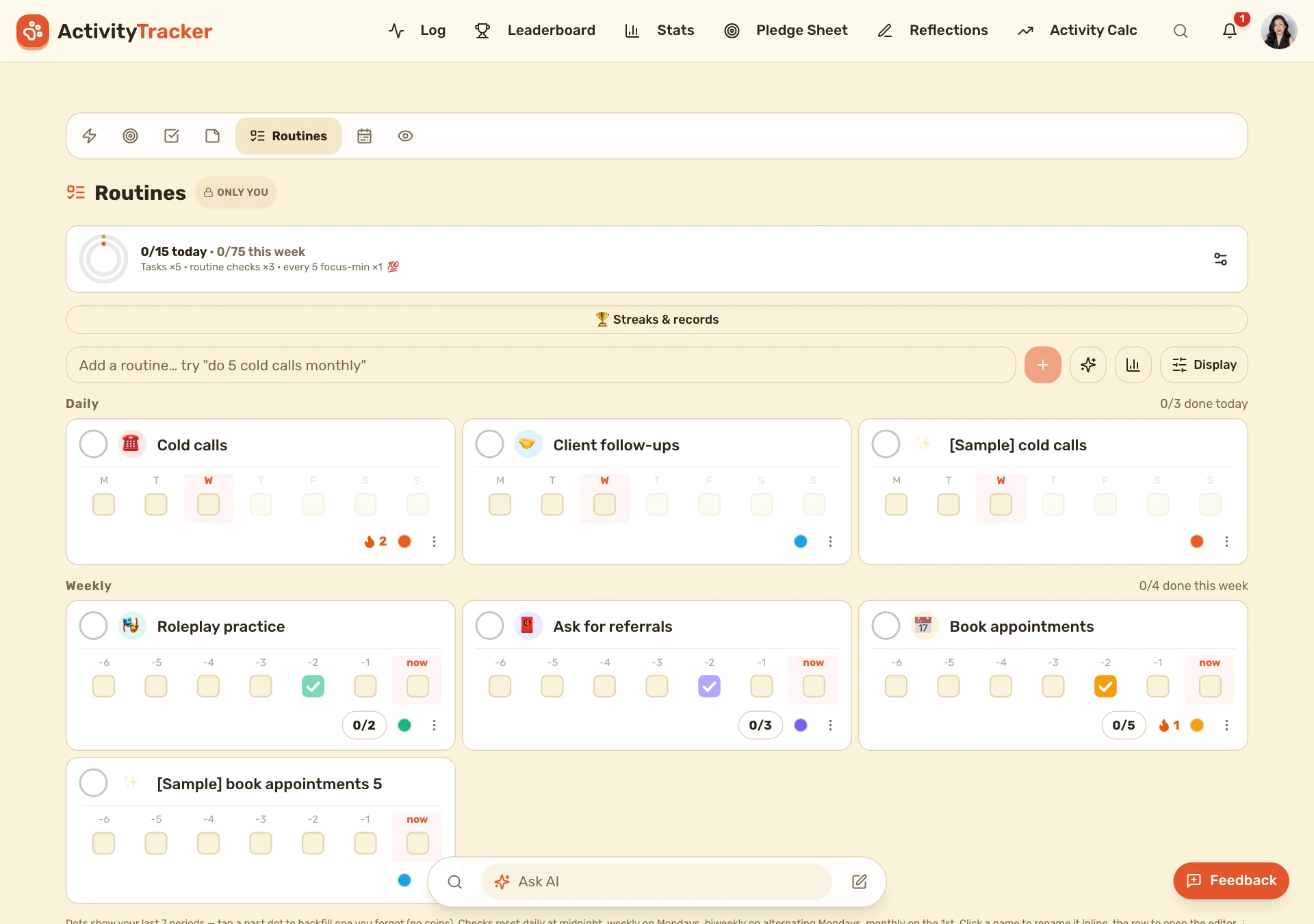
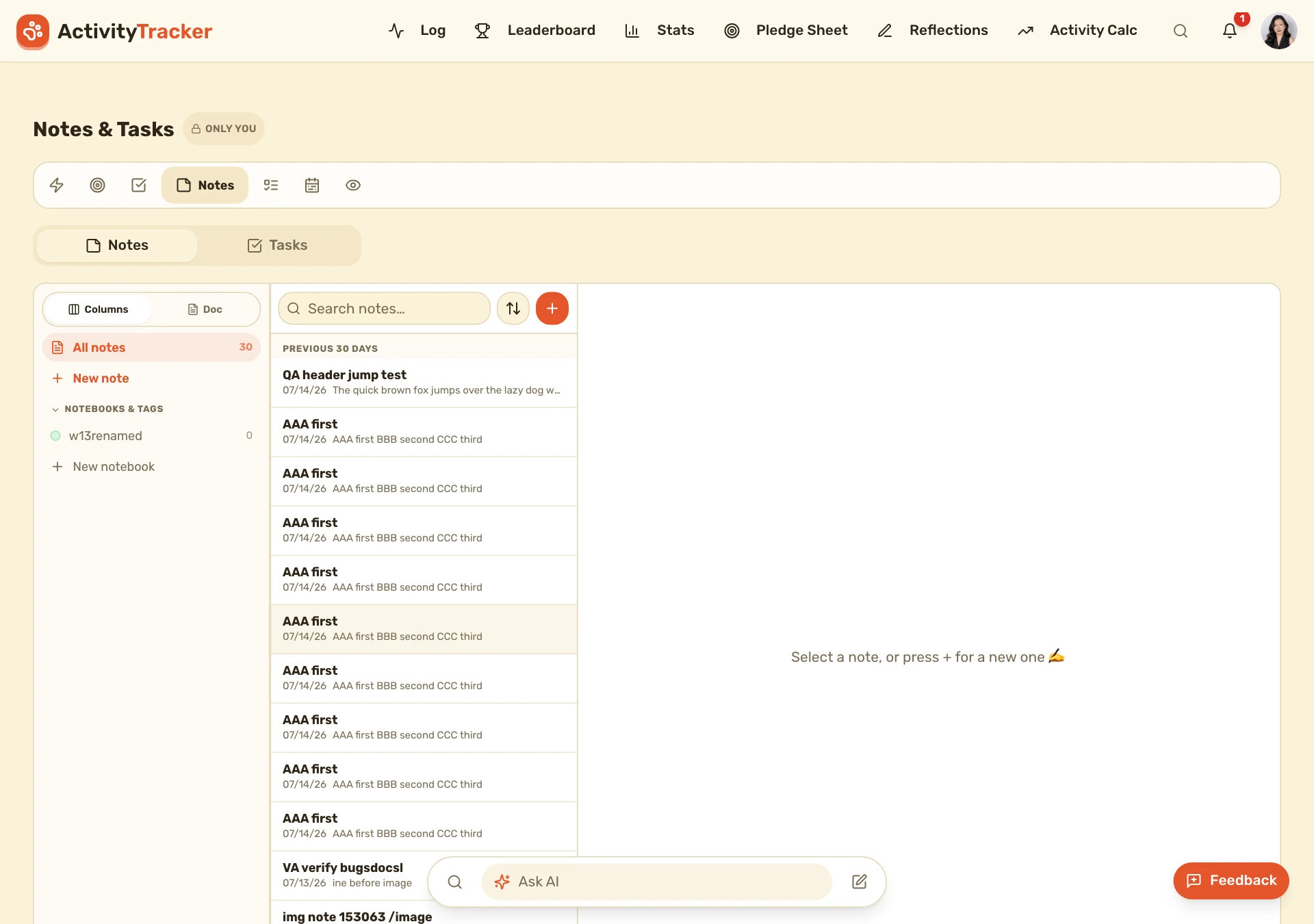
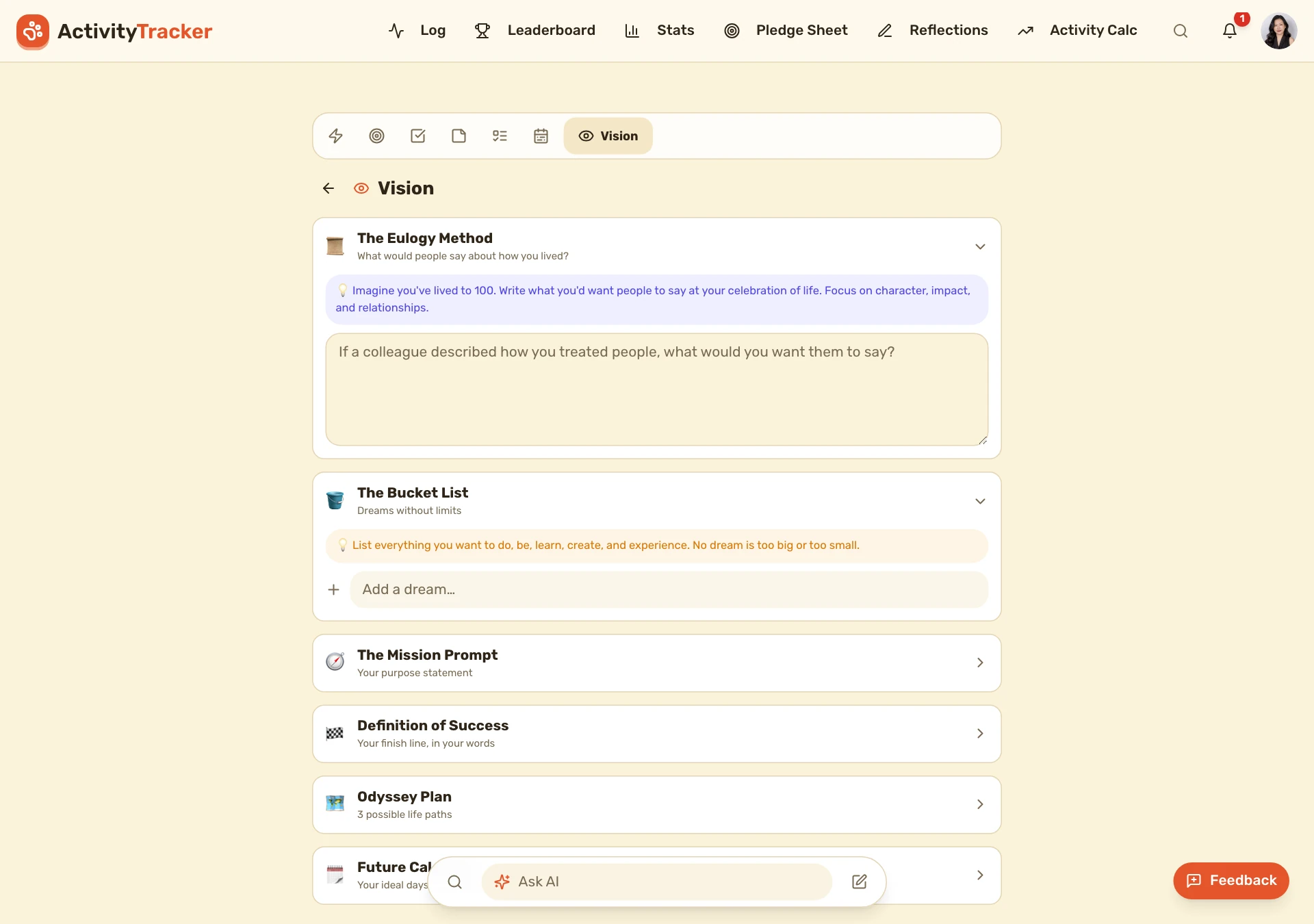
The productivity suite that turns intention into action: set goals and reverse-engineer the activity to hit them, manage tasks, block out the day in the planner, build daily routines/habits, keep notes, and hold the bigger picture in a vision board.
Reflect & sell — weekly reflections + sales tools
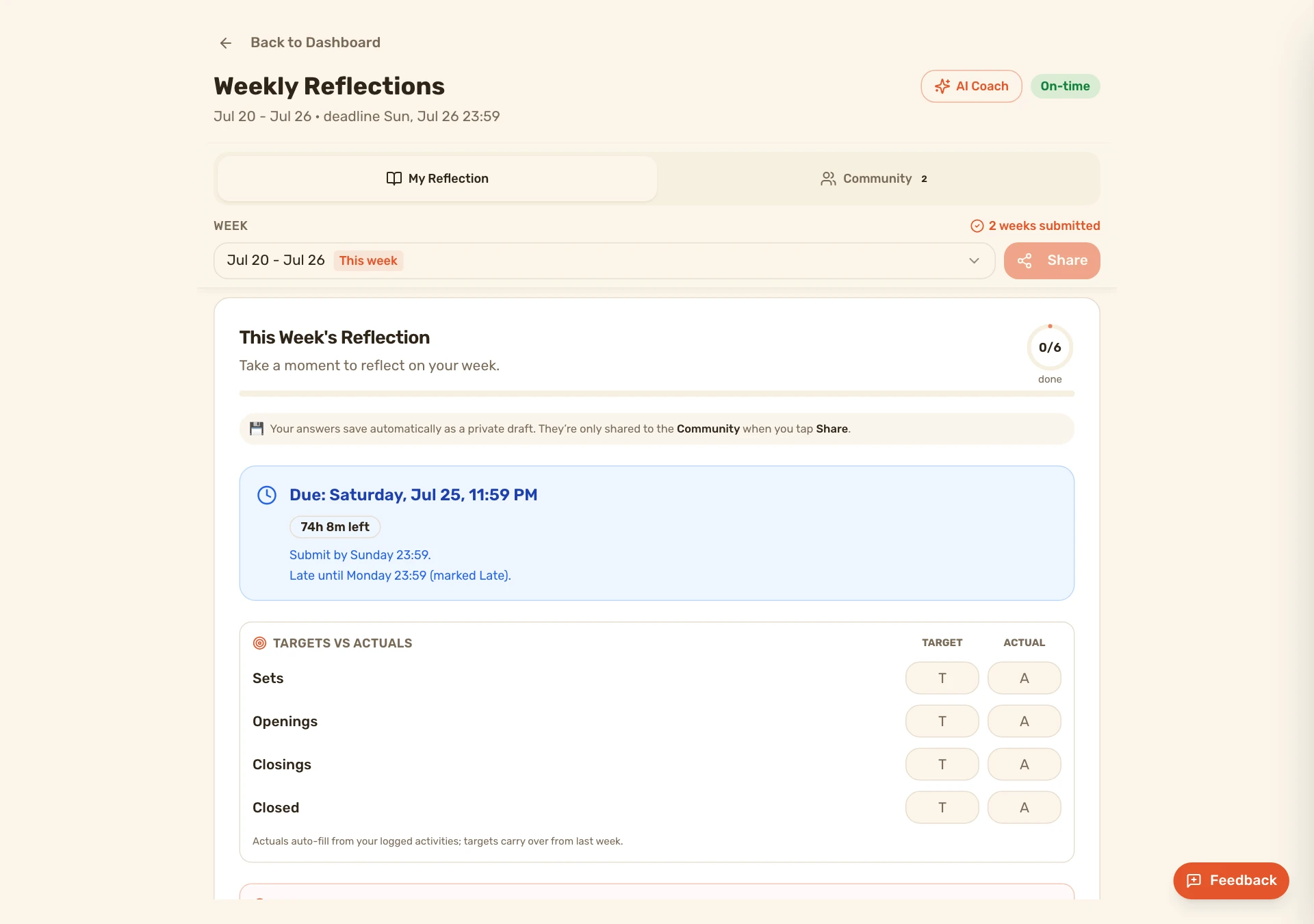
The coaching layer: structured weekly reflections with benchmark guidance to keep advisors improving, and the sales-tools funnel that reverse-engineers targets into the exact activity required.
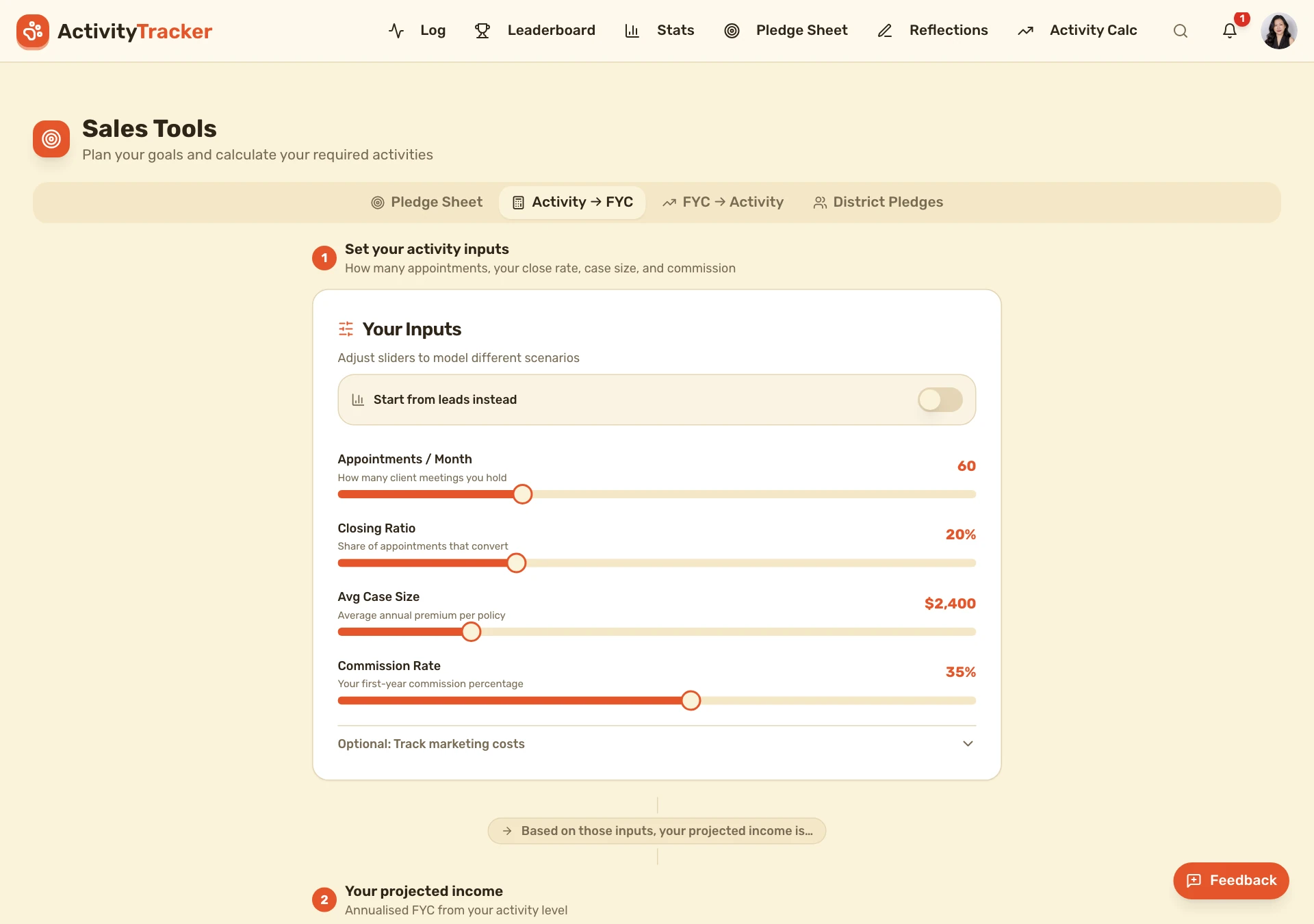
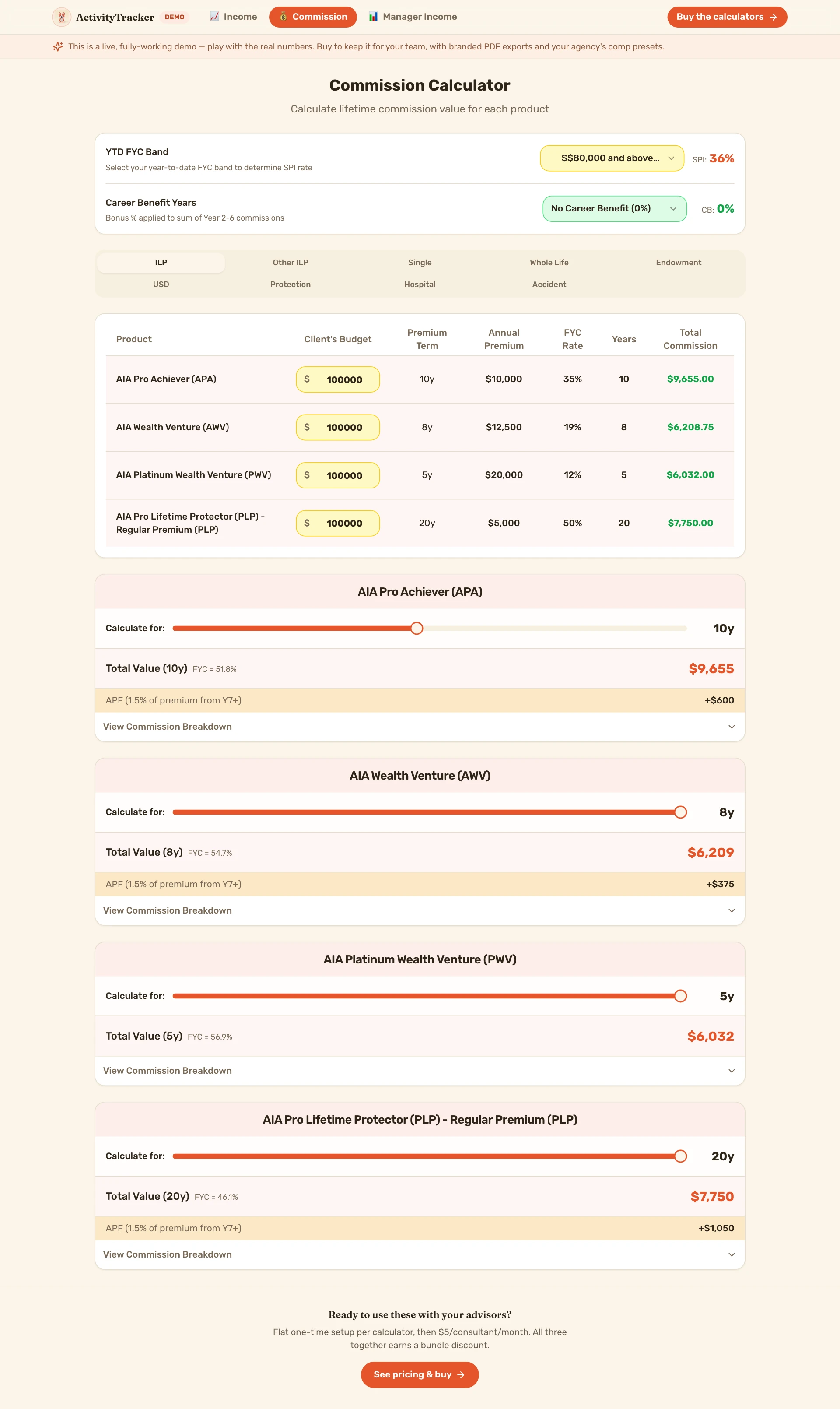
The calculators — commission, manager
The financial calculators (also sellable standalone): the Commission Calculator tying each deal to take-home, and the Manager Income Calculator projecting unit-level overrides and group production.
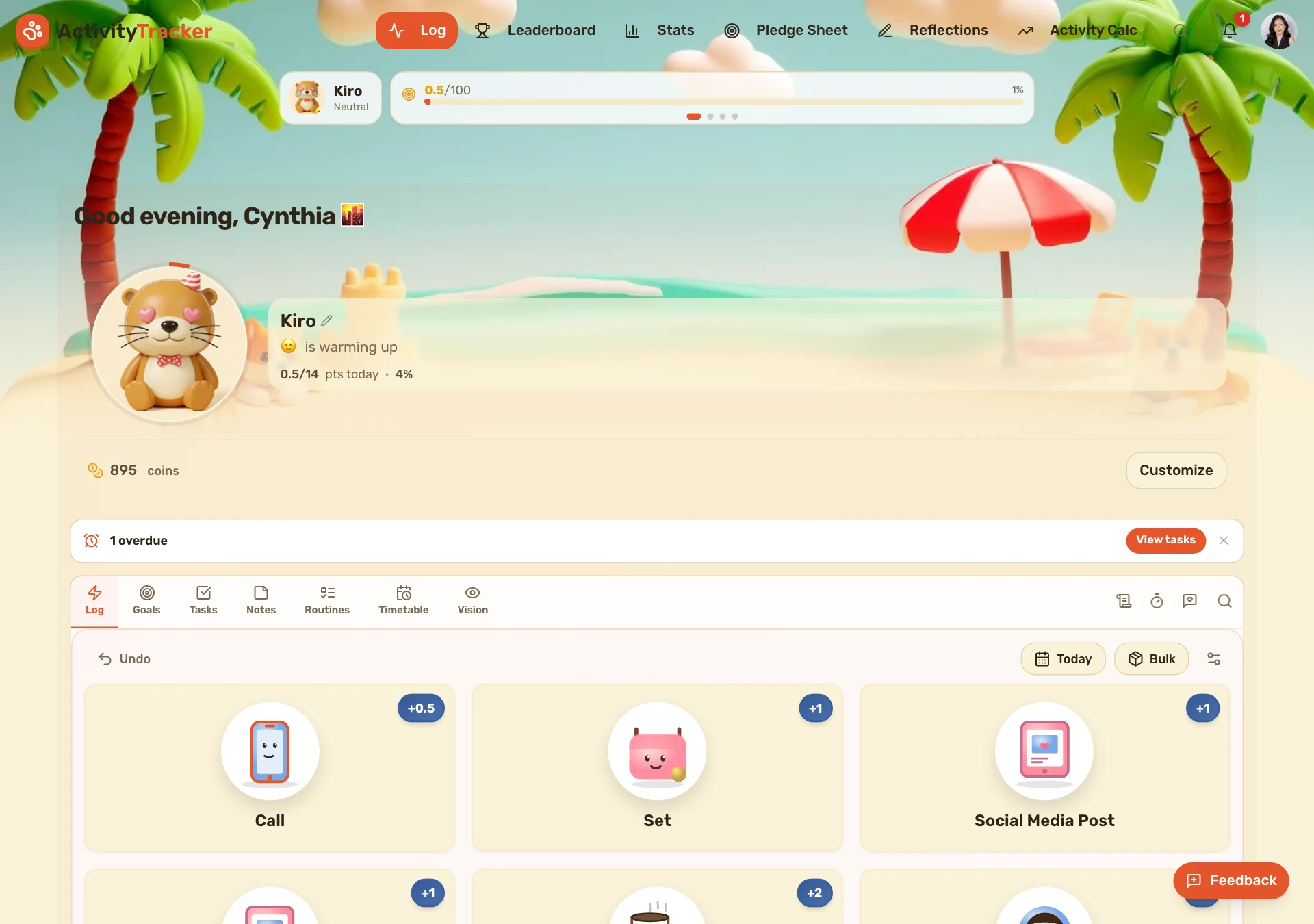
Play & rewards — the pet economy
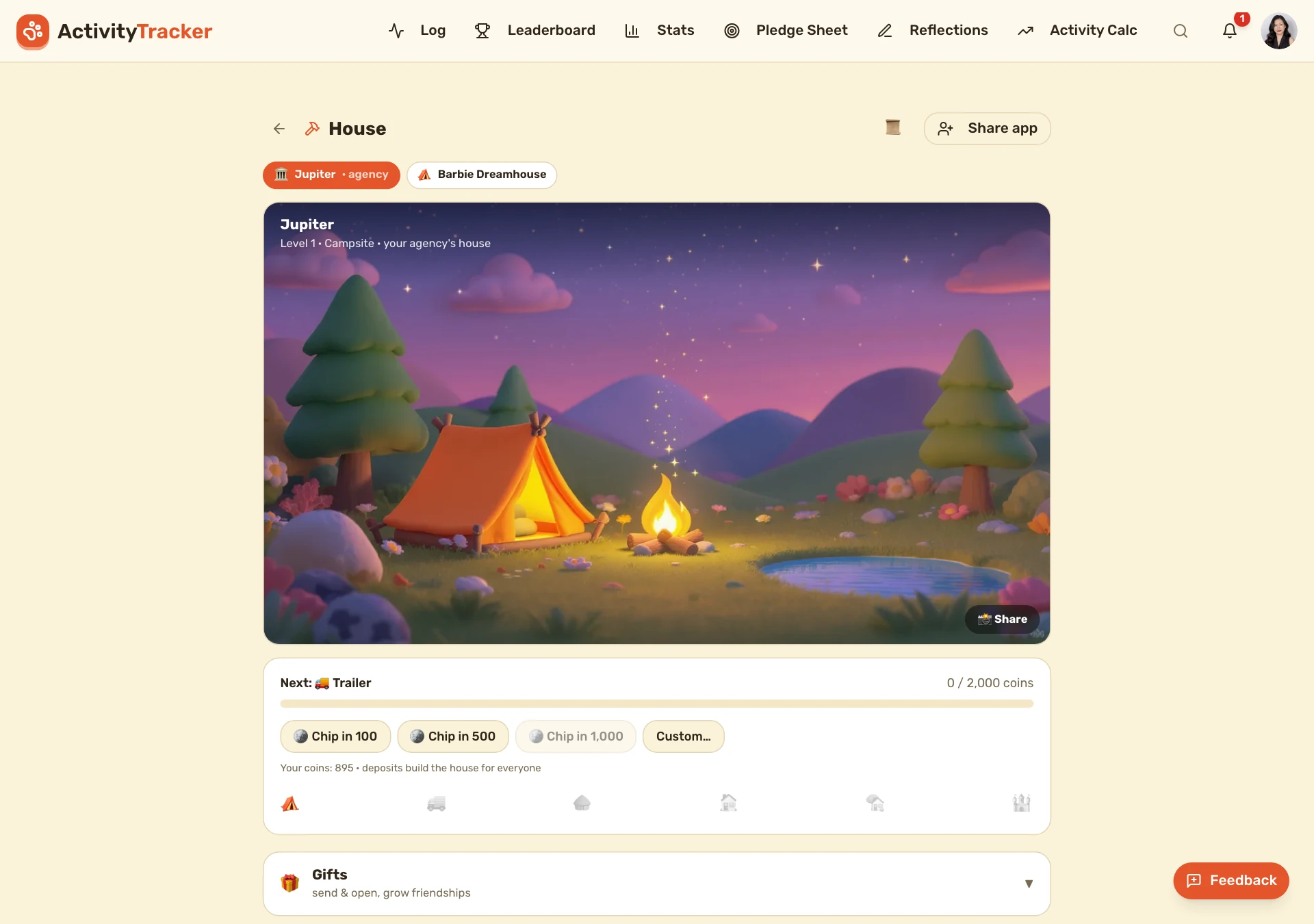
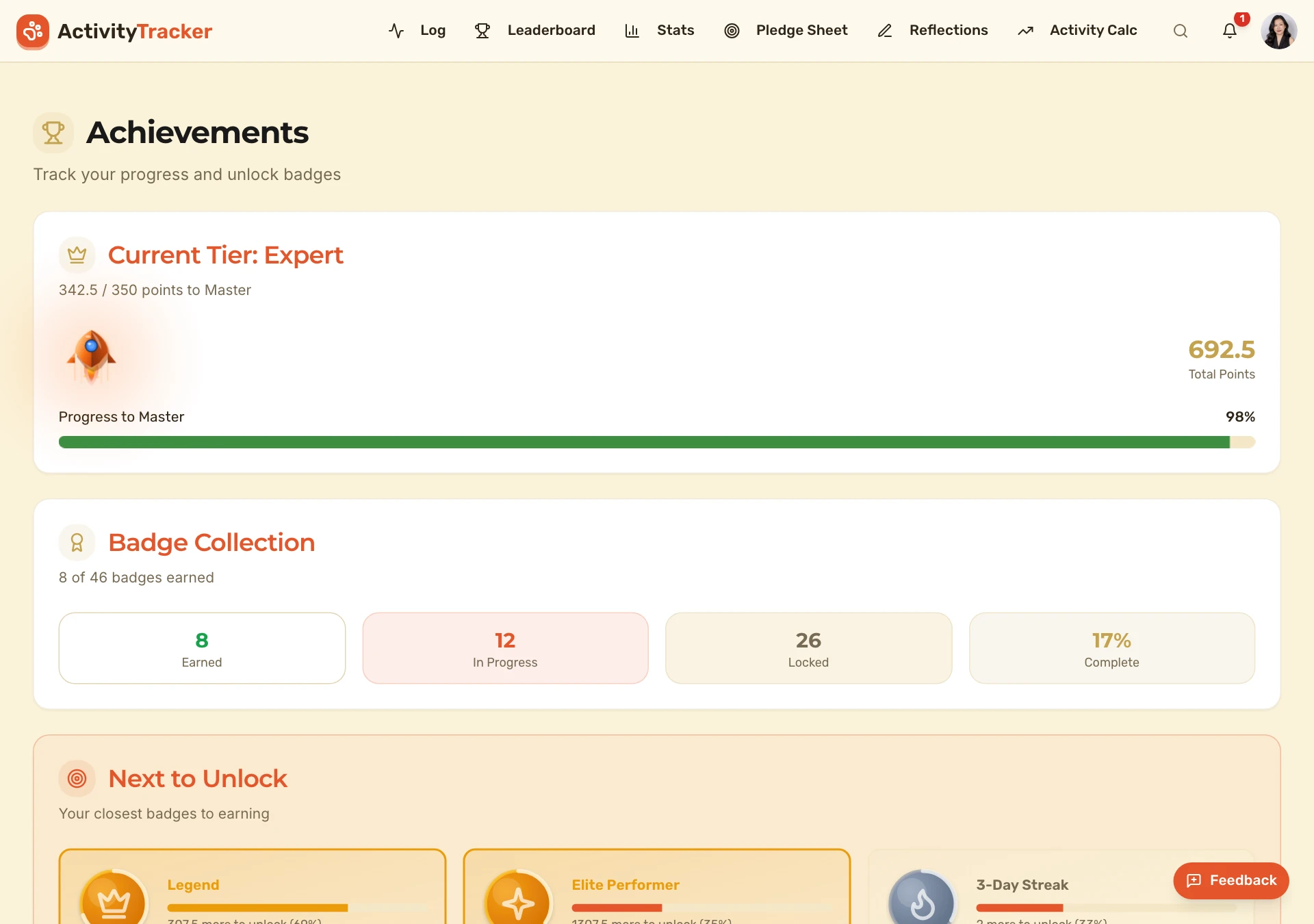
The gamification that makes consistency addictive: onboarding + recurring missions pay coins, coins feed a Tamagotchi-style pet, and a house, prize wheel, rewards shop and achievements keep the whole team coming back.